
Introduction
SignatureAPI Docs
Integrate electronic signatures into your apps and workflows with SignatureAPI's REST API, no-code connectors, and embedded signing solutions
Integrate electronic signatures into your apps and workflows with SignatureAPI.
Get started
What you can do
Send documents for signature
Send to multiple signers in parallel or sequential order. Track every envelope from creation to completion.
Generate documents from templates
Fill templates with dynamic data to produce ready-to-sign documents.
Collect information from signers
Add input fields, checkboxes, and dropdowns to capture data during signing.
Embed signing in your app
Embed the signing experience directly in your web or React Native app.
Automate with Power Automate
Build no-code signing workflows connected to 1,000+ apps.
Get notified via webhooks
Receive real-time updates when envelopes are signed, completed, or canceled.
How it works
Create an envelope
An envelope holds your documents and recipients. Add documents directly as PDFs or generate them from templates.
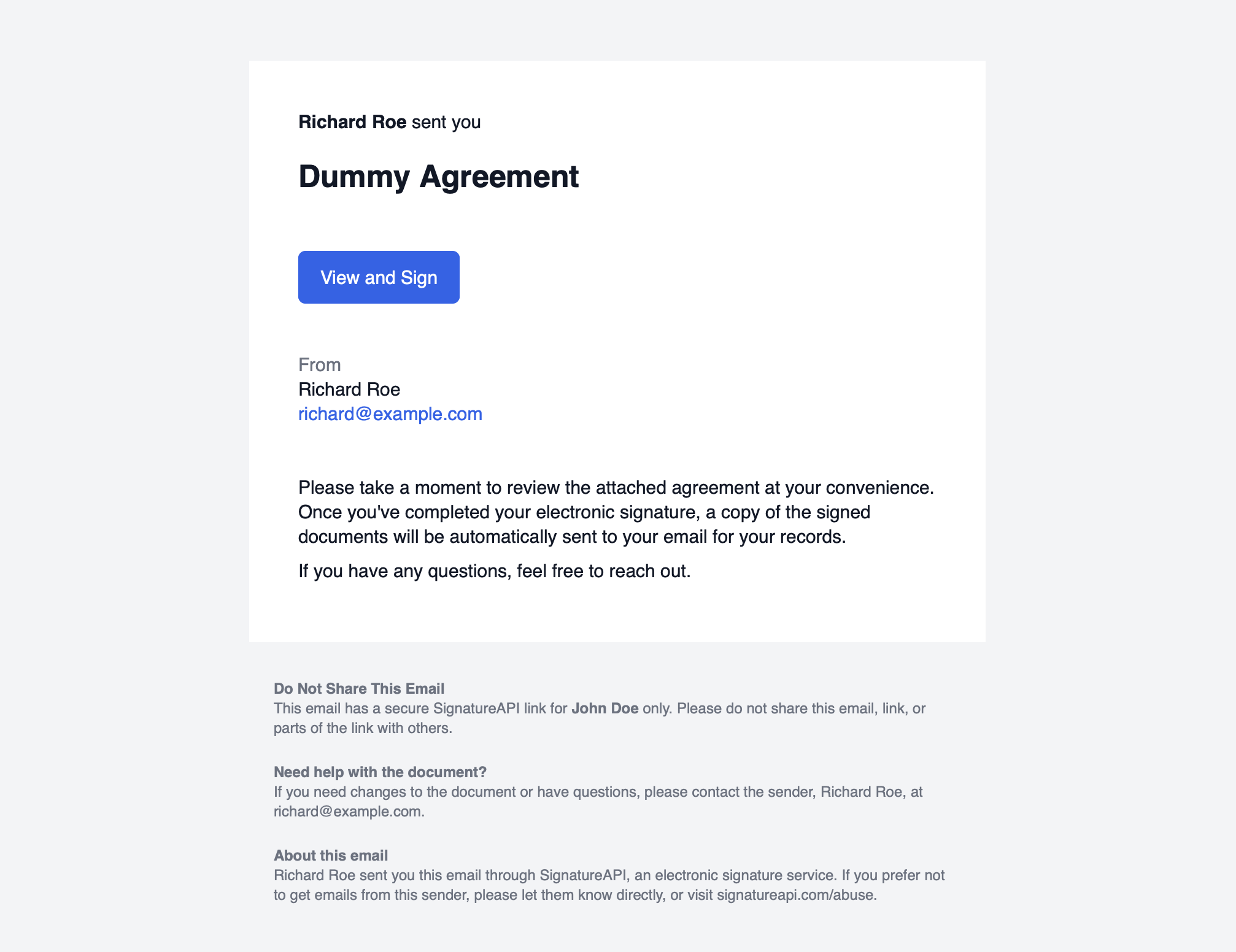
Recipients receive a signing link
Each recipient gets a link to review and sign. You can control the signing order and authenticate recipients before they access the documents.
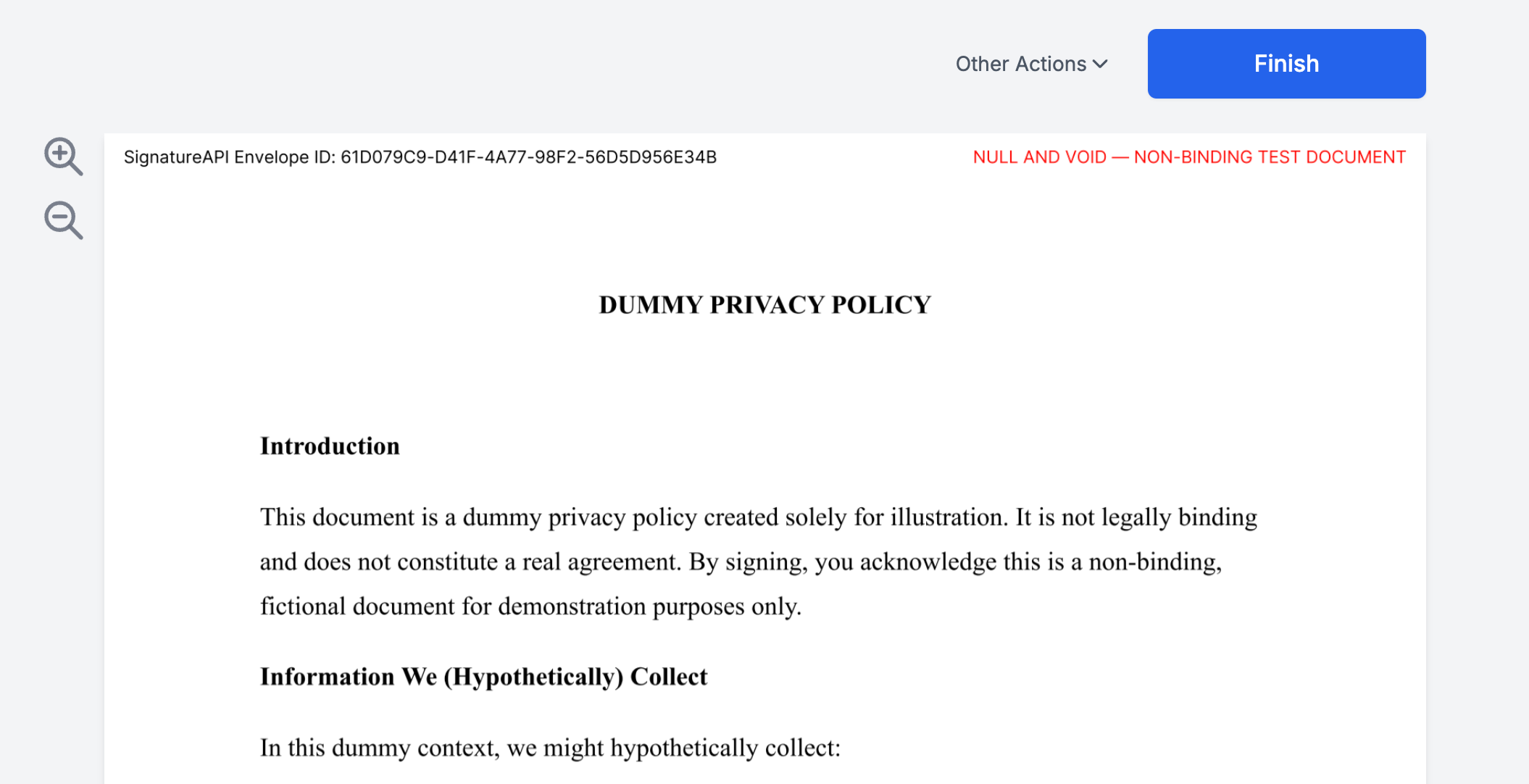
Recipients sign during a ceremony
A ceremony is the guided signing session where recipients review documents and complete their actions.
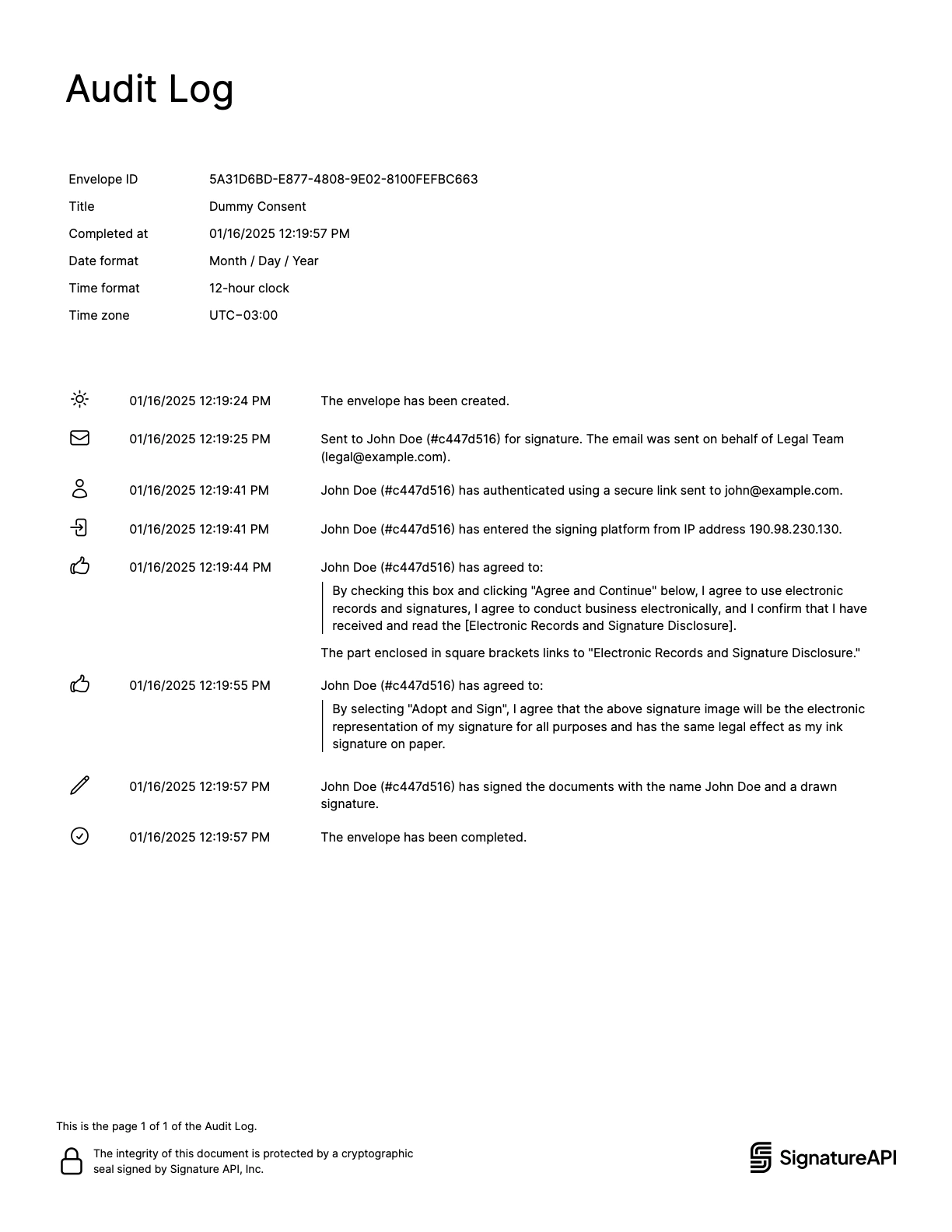
Retrieve the signed deliverable
After all recipients complete their actions, SignatureAPI generates a deliverable containing the signed documents and an audit log.
Explore
Concepts
Learn the core building blocks: envelopes, documents, recipients, ceremonies, and deliverables.
API Overview
Endpoints, authentication, test mode, pagination, and error handling.
API Playground
Try the API directly in your browser.
Postman Collection
Import our Postman collection and start exploring.
Embedded Signing
Integrate the signing experience into your web or mobile app.
Can I ___?
Quick answers to common questions about SignatureAPI capabilities.