
Reference
Test Mode
Learn how to create safe, non-binding, test-mode envelopes
When you sign up for SignatureAPI, you get a free test API key. Test API keys let you create test envelopes, great for trying out your workflows.
Test envelopes don’t send emails
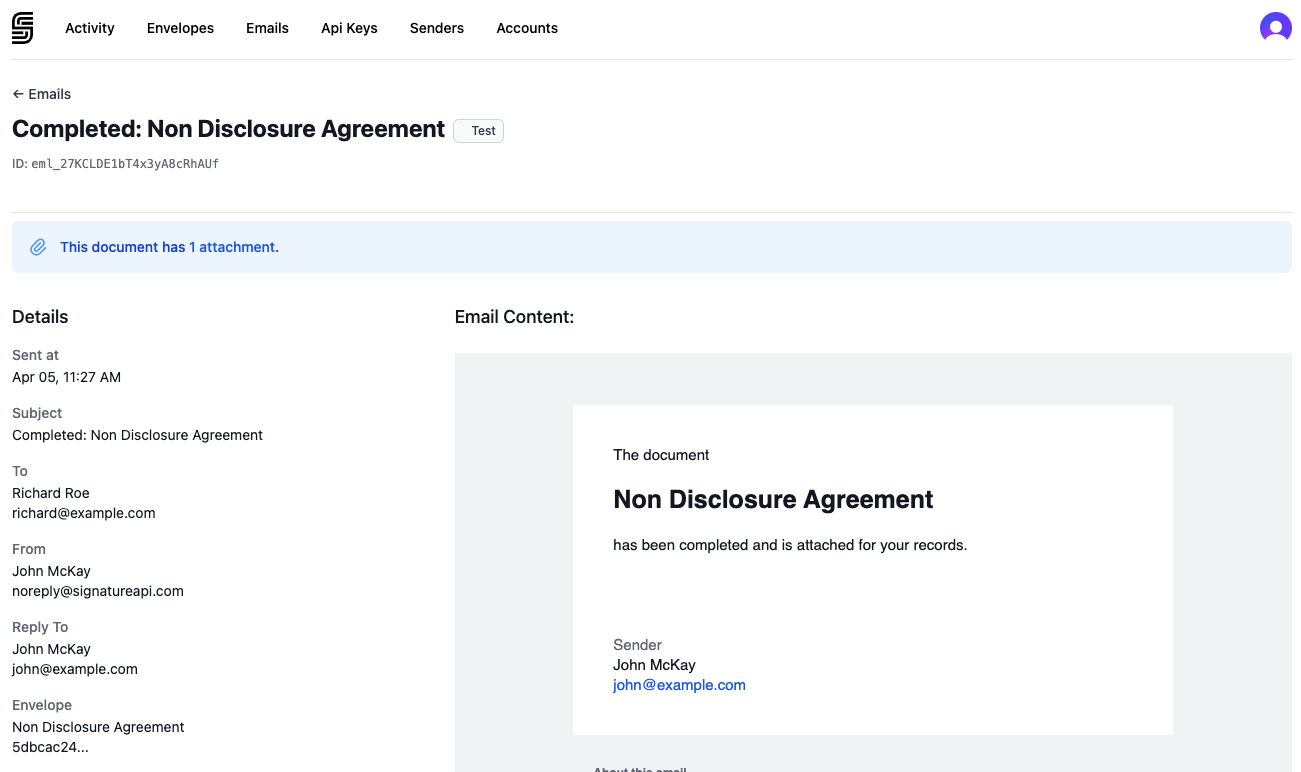
Don’t be afraid of flooding your customer’s inboxes with test emails. Emails from test envelopes don’t get sent to recipients. But, you can inspect them in your Dashboard’s Email view.
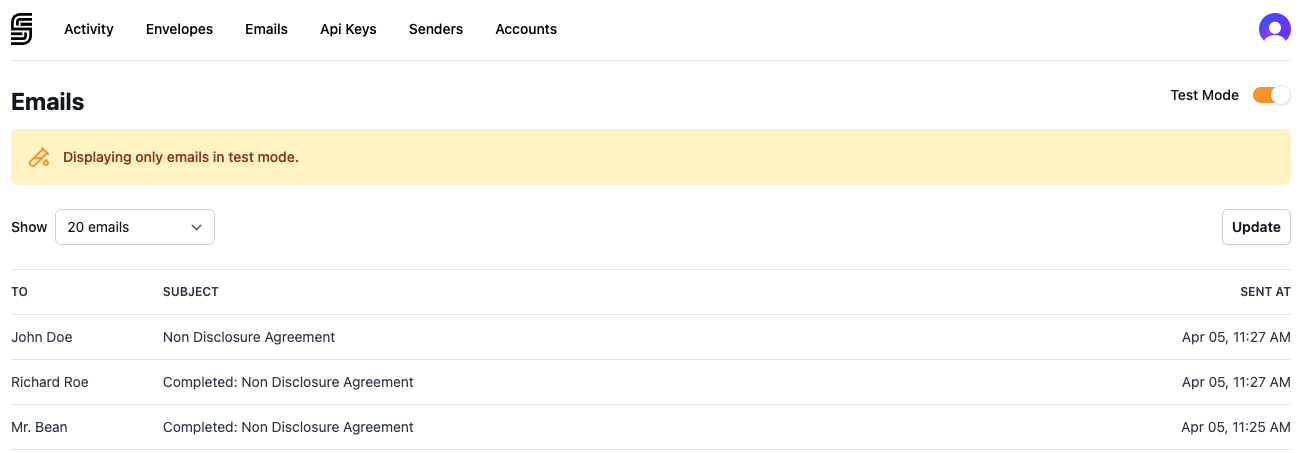
Where you can see the email contents:
Test envelopes are not legally-binding
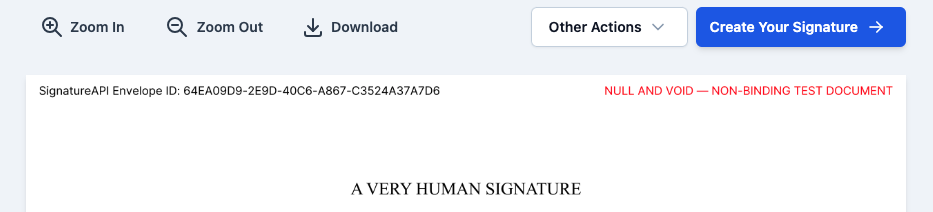
A notice watermark on documents in test envelopes makes them non-binding.
Test envelopes are free
We don’t bill you for test envelopes.
Test mode and live mode differences
| Test mode | Live mode | |
|---|---|---|
| API key prefix | key_test_ | key_live_ |
| Emails sent | No. Preview in Dashboard. | Yes, to real recipients. |
| Legally binding | No. Documents show a watermark. | Yes. |
| Billing | Free | Counted toward your plan. |
| Webhooks | Delivered to test endpoints | Delivered to live endpoints |
You can use test mode and live mode at the same time. They are independent: test envelopes, webhooks, and senders are separate from live ones.
Switch to live mode
When you are ready to start sending legally-binding envelopes, go to the API Key section of your Dashboard. Follow the instructions to create a live API key.
Replace key_test_ with your new key_live_ key in your API calls. No other code changes are needed.