
Overview
What are qualified signatures?
What a qualified electronic signature (QES) is, when you need one, and how to get access to the private beta
Private beta. Qualified signatures are available on request. See Request access.
A qualified electronic signature (QES) is the strongest kind of electronic signature in the European Union. In every EU member state it has the same legal effect as a handwritten signature. With SignatureAPI, a qualified signer on an envelope signs with a QES.
Three levels of electronic signature
eIDAS, the EU regulation on electronic identification and trust services (Regulation (EU) No 910/2014), defines three levels. Each one adds requirements to the one before it.
| Level | What it is |
|---|---|
| Simple (SES) | Any electronic data a person uses to sign: a typed name, a drawn signature, a click. A regular SignatureAPI signer produces one. |
| Advanced (AdES) | Uniquely linked to the signer, identifies them, made with signing data under their sole control, and shows any later change to the document. |
| Qualified (QES) | An advanced signature made with a qualified certificate, from a provider that verified the signer’s identity. |
A qualified trust service provider (QTSP) is a company that an EU supervisory body has approved to verify identities and issue qualified certificates. A qualified certificate is the digital certificate it issues in the signer’s name. You choose the provider and sign the contract with them.
Do you need one?
Usually not. Under eIDAS, a court can’t reject an electronic signature only because it’s electronic or not qualified. A simple electronic signature covers most business documents.
You need a QES when:
- The law asks for it. Some national laws accept only a QES in place of a handwritten signature for certain documents.
- A regulator asks for it, for example in some financial or public-sector procedures.
- The other party asks for it, such as a customer, partner or public tender.
If you’re not sure, ask your legal counsel which level each document needs.
Qualified signatures or attestations?
Need a country-specific standard, such as NOM-151 in Mexico or ICP-Brasil in Brazil? That’s an attestation, not a qualified signature.
| Qualified signature | Attestation | |
|---|---|---|
| What it proves | Who signed, at the highest eIDAS level | The signed documents existed, unaltered, at a point in time |
| When you need it | The law or the other party requires a QES, usually in the EU | A country-specific standard applies |
| How to enable | Request access | Contact support, then set attestation on the envelope |
The two don’t combine. An envelope with a qualified signer can’t have an attestation.
Request access
Qualified signatures are in private beta, so we turn them on per account. Until then, an envelope with a qualified signer fails with qualified-signature-not-enabled, in test and live mode.
To request access, email support. Users who can manage general settings can also go to Settings › Developers › Qualified Signatures in the Dashboard and select Request Access, which opens the same email.
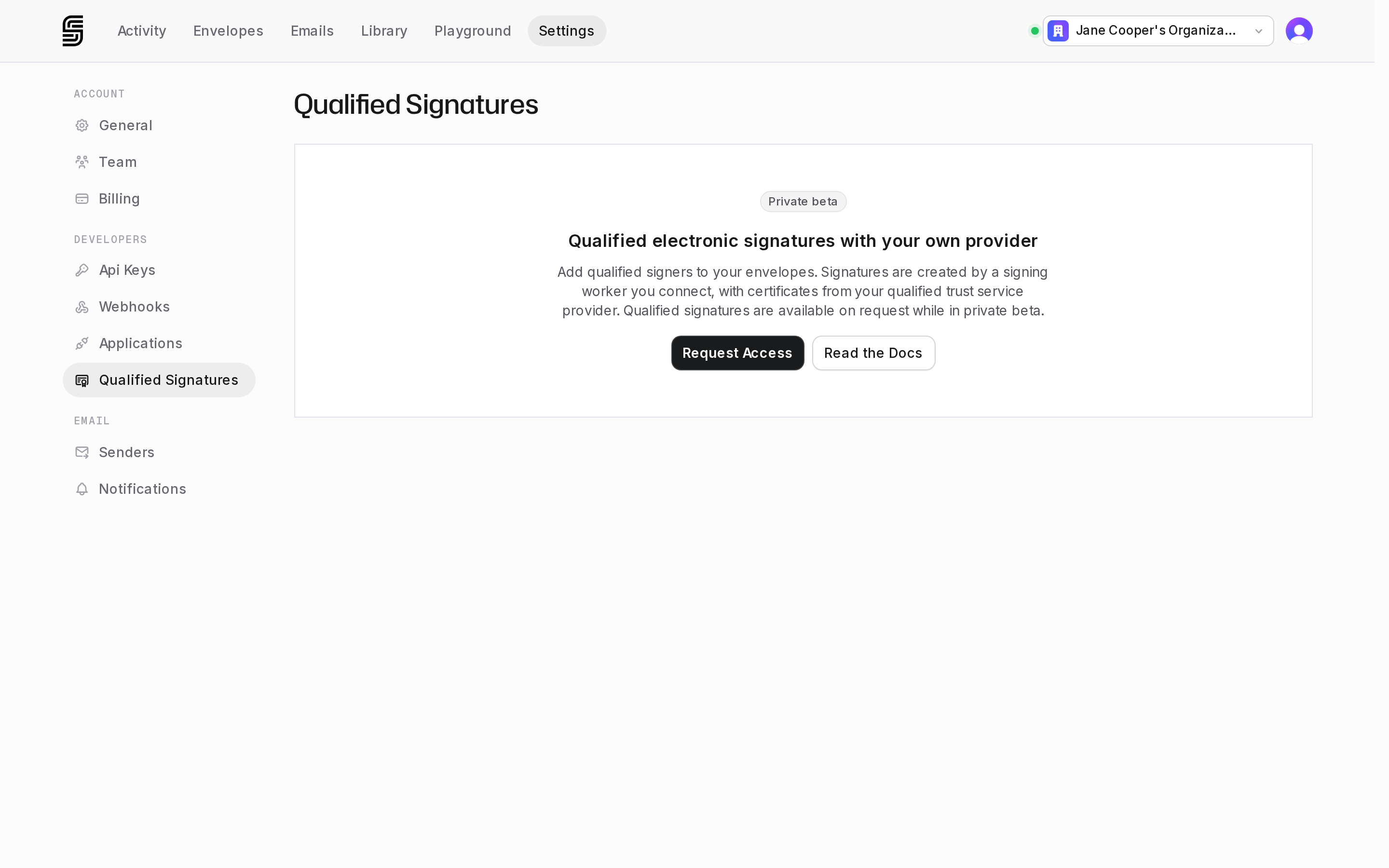
Tell us what you’ll sign, where your signers are, and whether you already work with a QTSP. You don’t need a provider to ask. Once we enable access, you can send test envelopes right away: a sandbox signing service that SignatureAPI runs signs them for you.
Where to go next
You send envelopes and need qualified signatures in them:
You connect SignatureAPI to a QTSP, or build that connection:
Signing workers
The service that connects SignatureAPI to your provider.
Connect a signing worker
Set up a worker in the Dashboard, with its connection token.
Choose your provider's model
One-shot or long-term certificate, raw or CMS: what your worker does.
Signing Worker Protocol
The SWP/1 reference: endpoints, formats, errors.