
Send Qualified Envelopes
Go live with qualified signatures
What live envelopes with qualified signers need, and what happens without it
Private beta. Qualified signatures are available on request. See Request access.
In test mode, the sandbox worker signs with sandbox certificates that carry no legal weight. Live envelopes need real qualified certificates, so they need your own signing worker: the HTTPS service that connects SignatureAPI to your qualified trust service provider (QTSP). See Signing workers.
What live mode needs
| Requirement | Where |
|---|---|
| Qualified signatures enabled for your account | Request access |
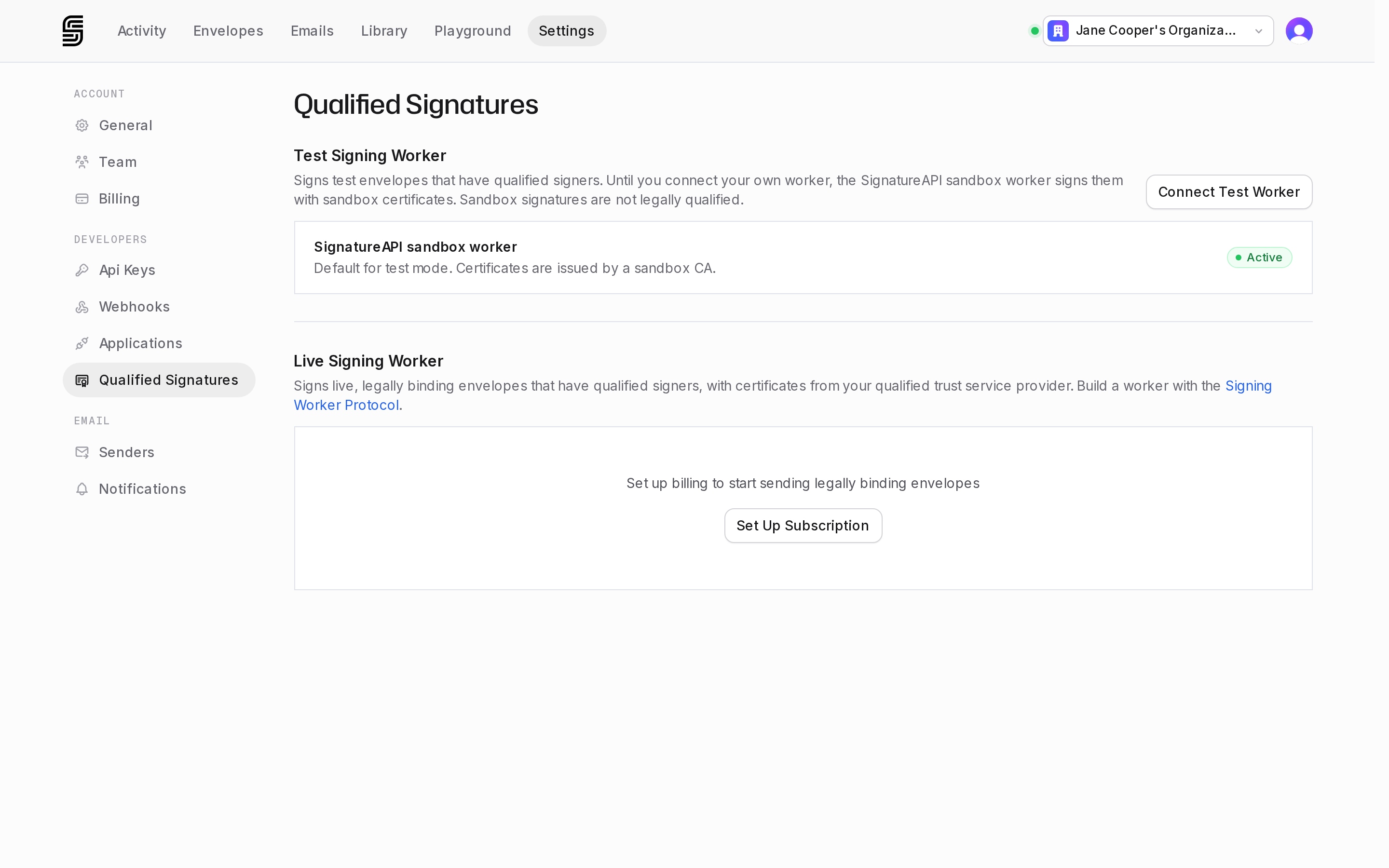
| An active subscription | Without one, the live section of Settings › Developers › Qualified Signatures shows Set Up Subscription instead of the live worker. |
| A user with permission to manage general settings and access to live mode, to connect the worker | Dashboard users and roles |
| A signing worker connected for live mode, and active | Settings › Developers › Qualified Signatures |
A live API key, starting with key_live_ | API Keys |
On an account without an active subscription, the live section asks for one:
Steps
Choose a provider
Every QTSP is listed in the EU Trust Services List. Look for one that issues qualified certificates for electronic signatures and offers remote signing through an API. The contract is between you and the provider.
Get a signing worker
Use a worker your provider runs, or build your own: choose your provider's model, then follow a recipe.
Try it in test mode
Connect the worker for test mode, pointed at your provider's test environment. Run the quickstart again: the ceremony now sends the signer to your provider's pages.
Connect the worker for live mode
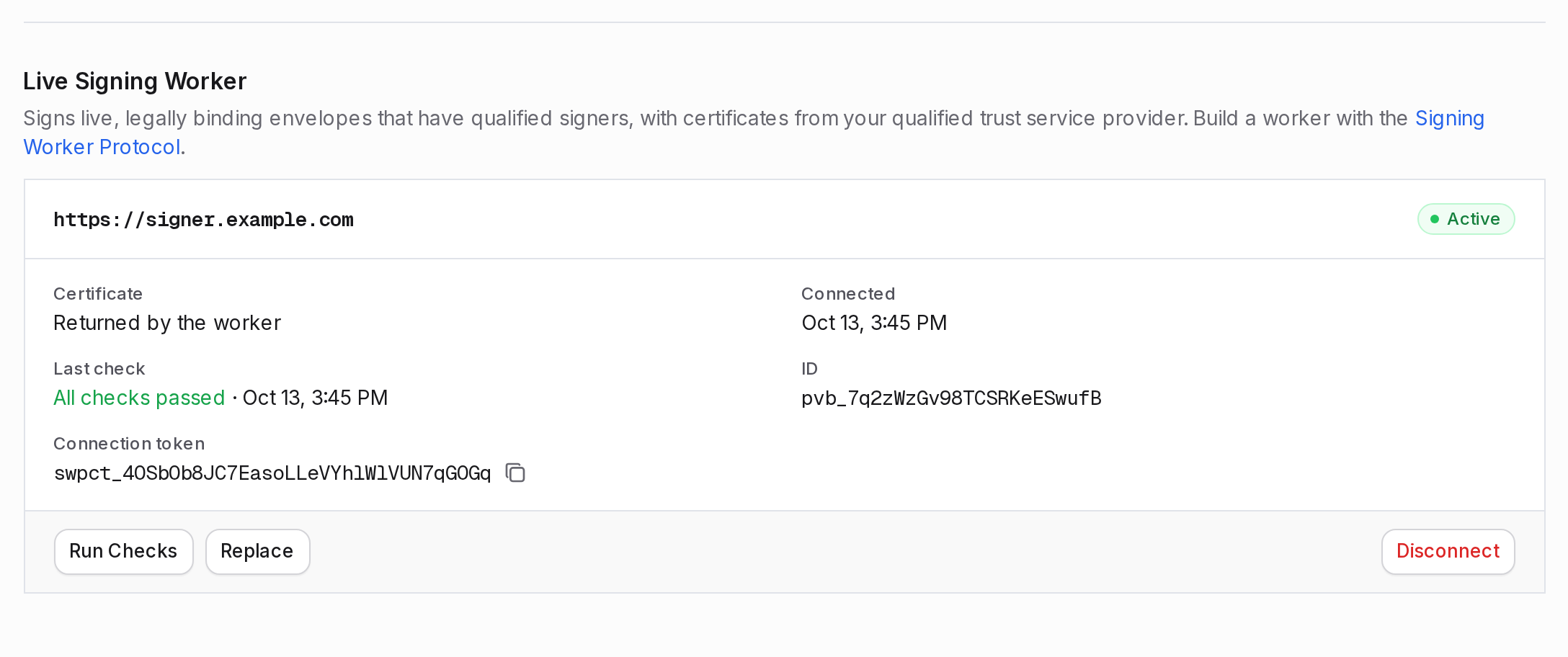
In the Dashboard, go to Settings › Developers › Qualified Signatures and select Connect Live Worker.
The dialog shows your account's live connection token. Add it to your worker's configuration first. A worker lists the tokens of the accounts it accepts, and the connection checks confirm it lists yours. Test and live tokens differ. If a check fails, nothing is saved. See Connection checks.
Send a live envelope
Create the envelope with your live API key. The request body is the same as in test mode. Open the deliverable in a PDF validator: it now reports a qualified electronic signature.
Without an active live worker
Creating or sending a live envelope with a qualified signer fails with 422 qualified-signing-worker-not-connected when:
- No worker is connected for live mode.
- The live worker shows Disabled. That means SignatureAPI disabled it. Only Run Checks works on a disabled worker, so contact support to change it.
Test envelopes don’t need a worker of your own: the sandbox worker signs them until you connect one. If SignatureAPI disables your test worker, test envelopes don’t fall back to the sandbox worker either.
Keep the live worker connected
The live worker signs every live qualified signature, including those in progress. If you disconnect it without connecting another, you can’t create live envelopes with qualified signers, and qualified signers already waiting to sign can’t finish.
To change the worker’s URL or certificate, use Replace instead. SignatureAPI checks the new settings first, and a failed check keeps the current worker in place.