
Send Qualified Envelopes
Add an identity check before the ceremony
Add the optional identity_verification step to a qualified signer's ceremony
Private beta. Qualified signatures are available on request. See Request access.
Every qualified signer’s identity is already verified. Their qualified trust service provider (QTSP) identifies them when it issues their certificate, and checks it’s them when they approve the signature. That happens at the provider, as part of signing. A qualified envelope needs nothing else.
If you also want an identity check before the signer can see the documents, add an identity_verification step to the recipient’s ceremony authentication. The signer completes it with an identity verification provider, then returns to the ceremony. This step is yours to add. It is separate from the provider’s identification, and it doesn’t replace or skip it.
Add the step
Add identity_verification to the authentication array of the recipient’s ceremony, after the main method:
{
  "type": "qualified_signer",
  "key": "jane",
  "name": "Jane Doe",
  "email": "jane@example.com",
  "scheme": "eu_eidas",
  "ceremony": {
    "authentication": [
      { "type": "email_link" },
      { "type": "identity_verification", "method": "document_selfie" }
    ]
  }
}
The rest of the envelope stays as in the quickstart.
Rules
- It’s enabled per account, separately from qualified signatures. Contact support to turn it on. Until then, a request that uses it fails validation.
- It can’t come first. It’s a challenge that follows a main method, such as
email_linkorcustom. The main method still decides how the signer gets the ceremony link. See ceremony authentication. - It appears at most once per ceremony.
methodis required. There’s no automatic choice.provideris optional. It defaults tostub, the only provider available.stubis a built-in test provider that simulates the check without contacting a real identity service.
Methods
method | The signer… |
|---|---|
document_selfie | Photographs an identity document and takes a selfie for a liveness and face match. |
eid | Signs in with a national or government-issued electronic identity scheme. |
video_ident | Completes a video session with an agent who checks their identity document. |
reuse_credential | Reuses an identity credential they already hold with the provider. |
What the signer sees
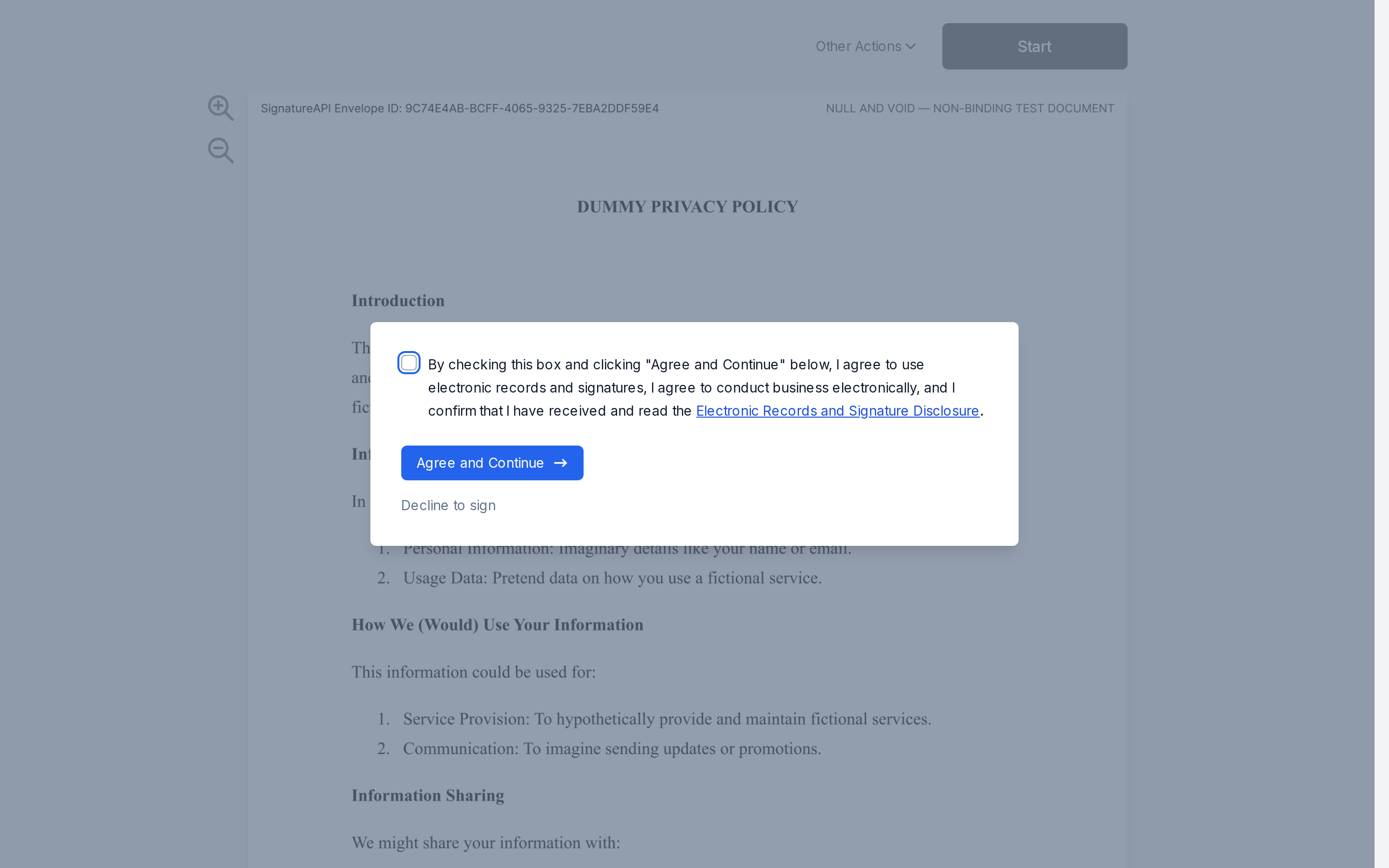
When the signer opens the ceremony, a dialog covers the document until the check is done.
Start the check
The dialog explains the check. The signer clicks Verify my identity.
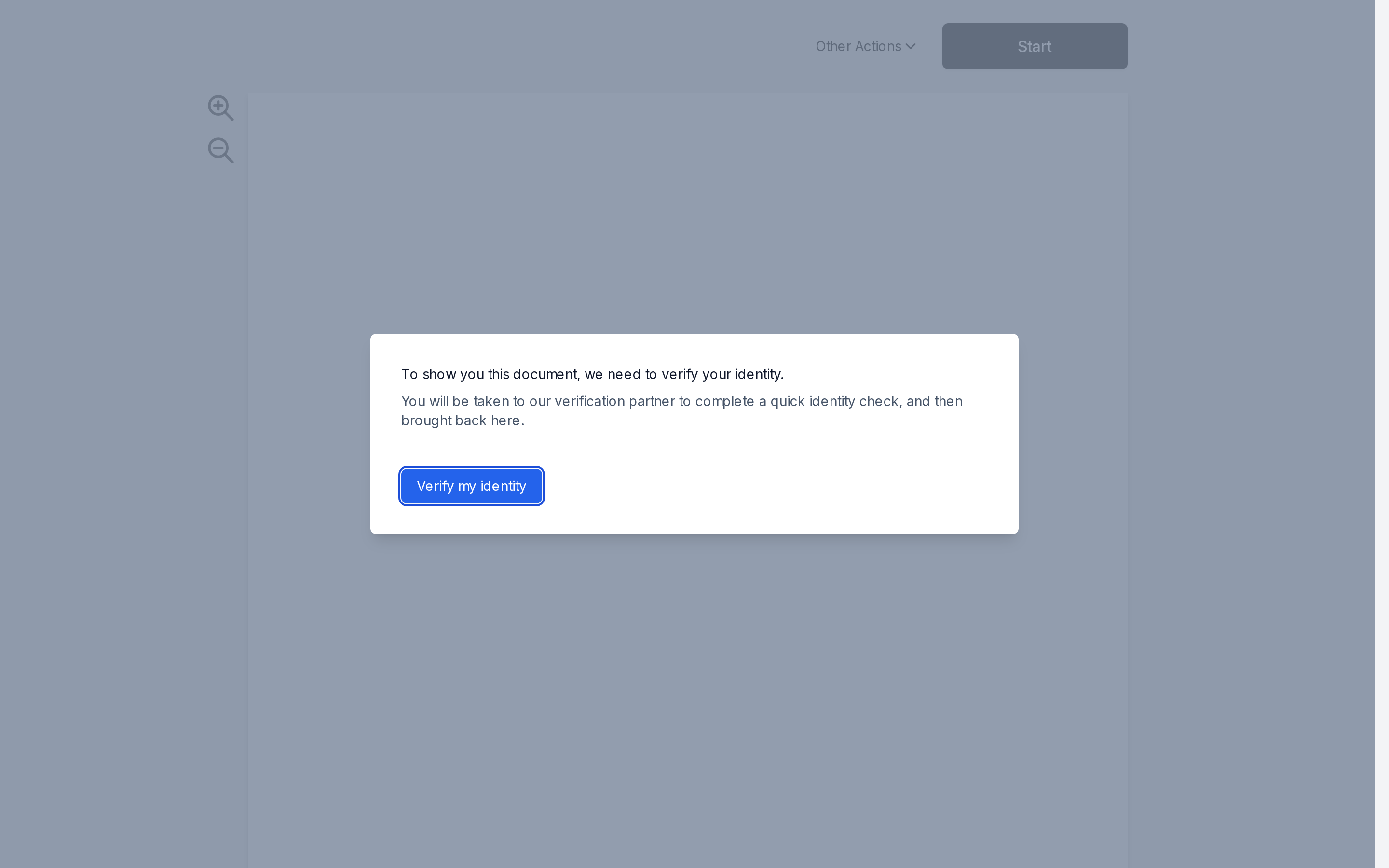
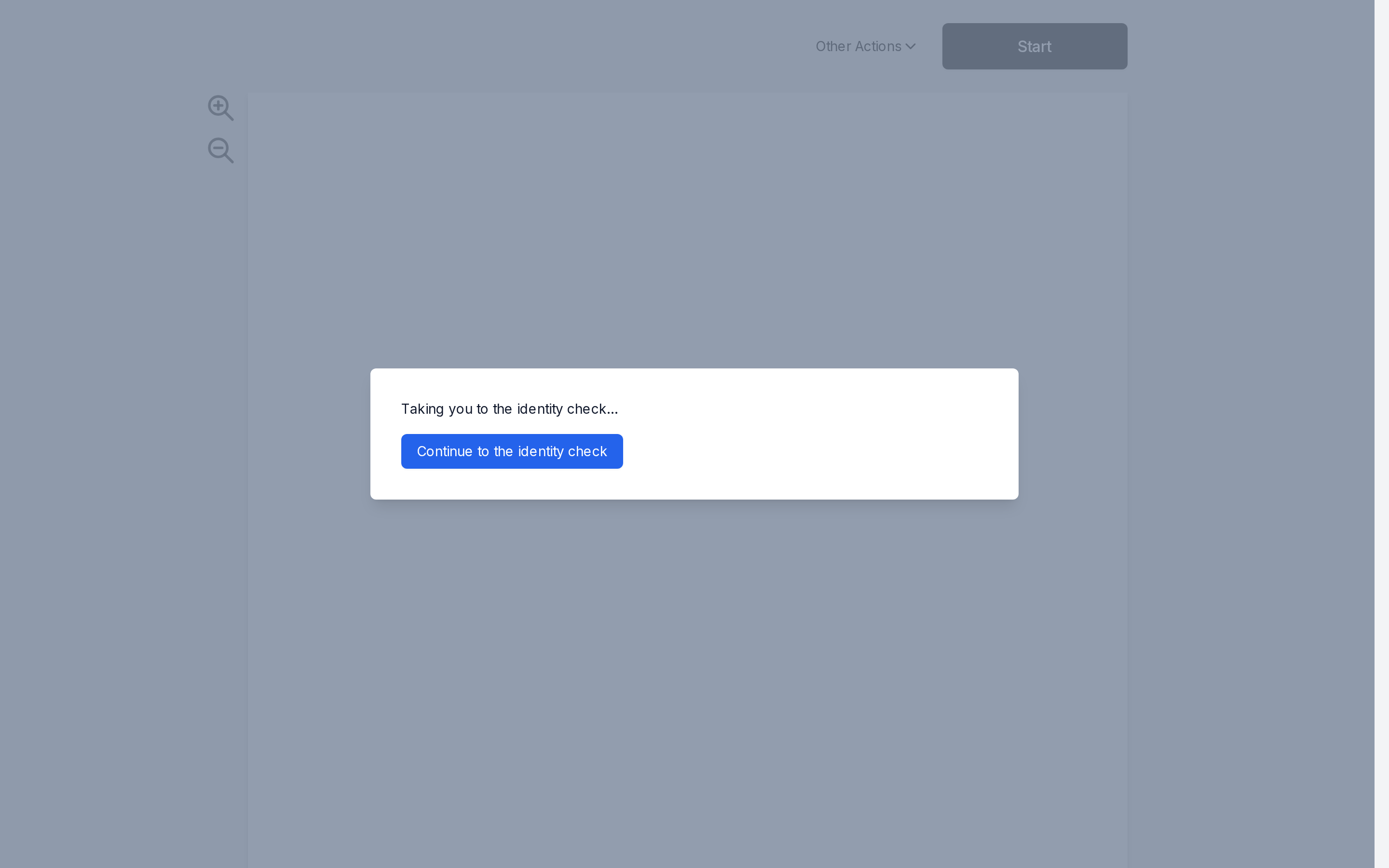
The ceremony then sends them to the provider. If the browser doesn't move on by itself, they click Continue to the identity check.
Complete the check with the provider
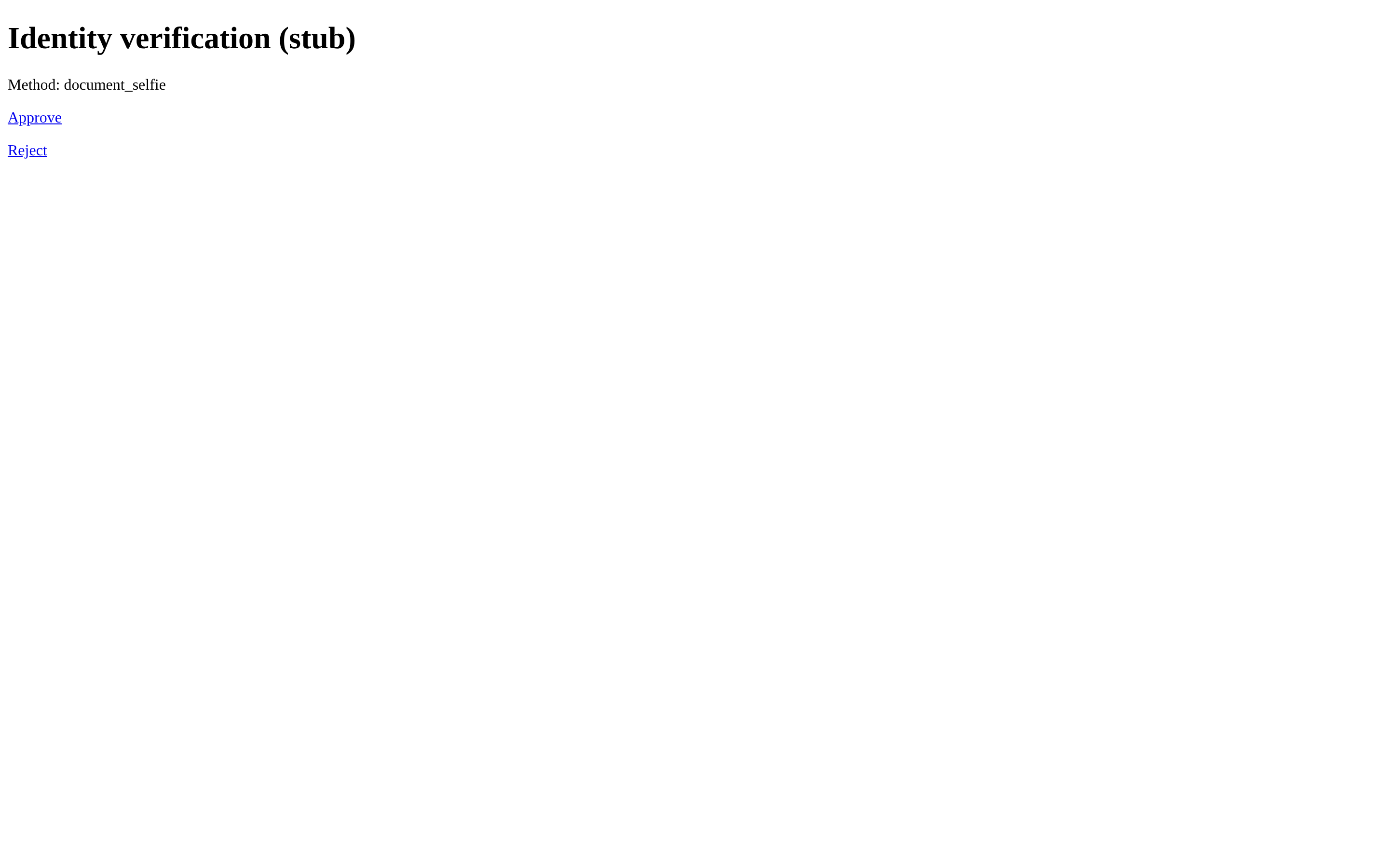
The signer completes the check on the provider's page. The stub provider shows a test page that lets you approve or reject the check.
Return to the ceremony
Back in the ceremony, the dialog shows Confirming your identity check while the result is recorded.
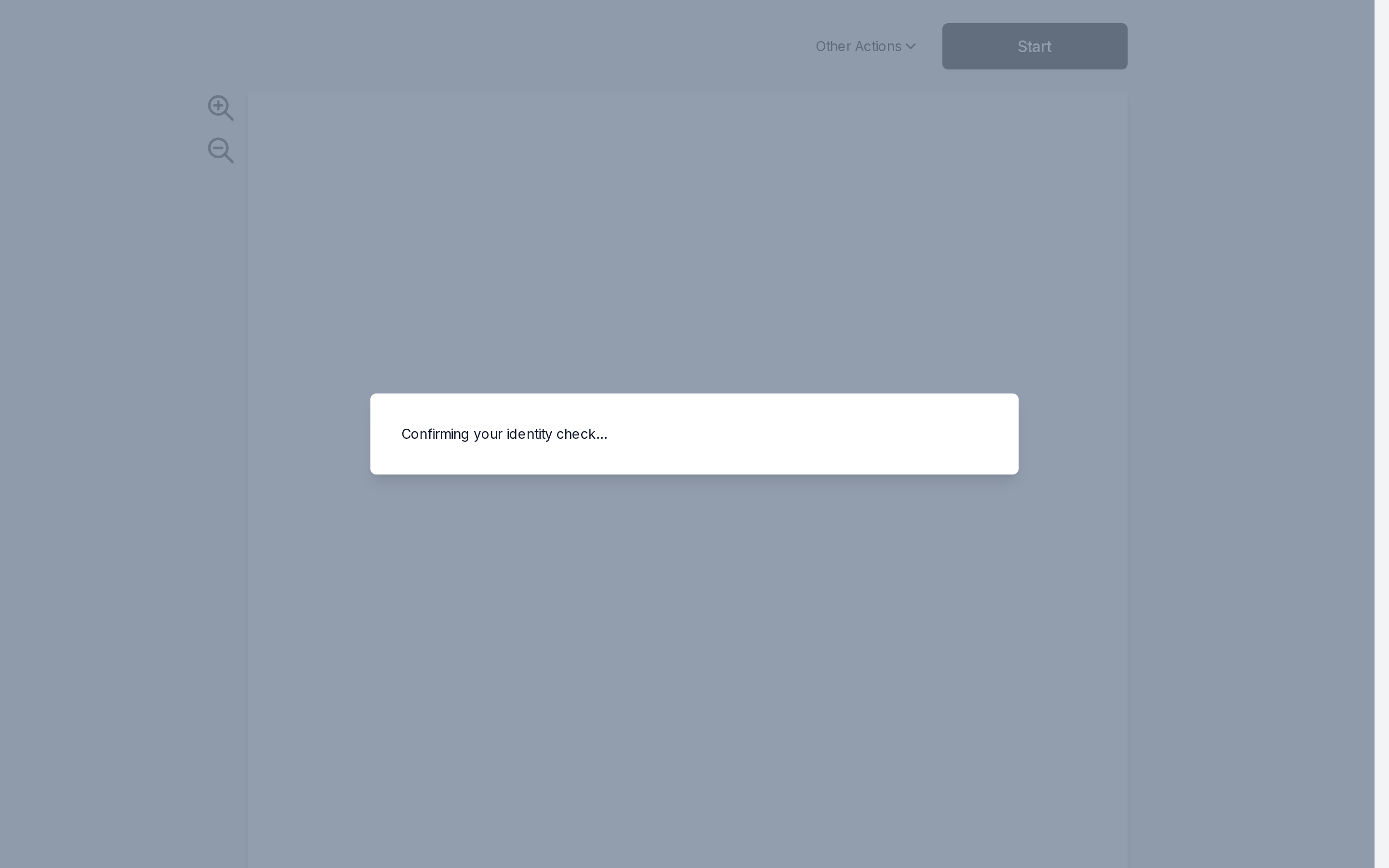
The dialog closes and the document appears. The ceremony continues as usual, starting with the consent to sign electronically.
If the check fails
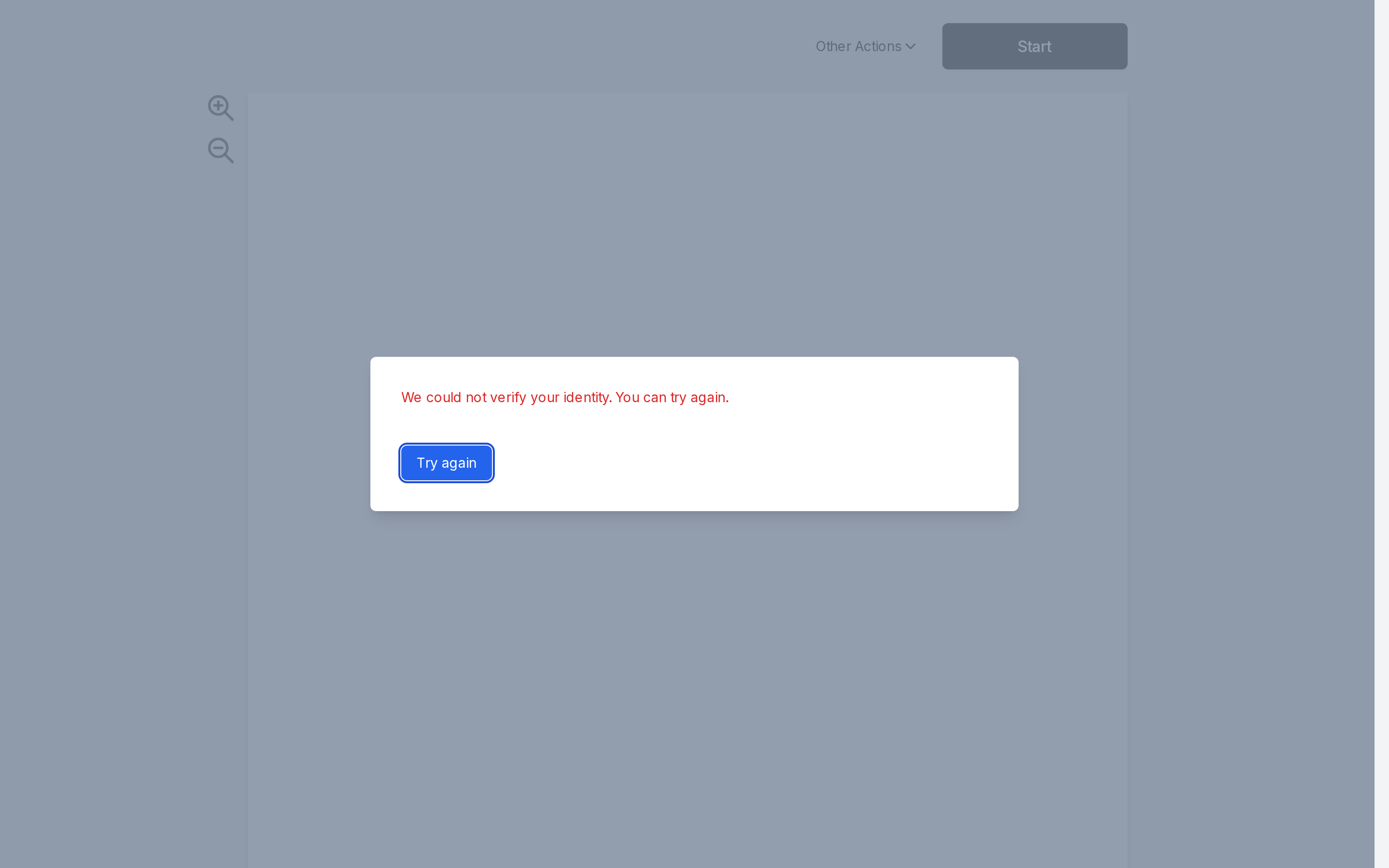
If the provider doesn’t confirm the signer’s identity, the dialog says so and offers Try again, which starts a new check.
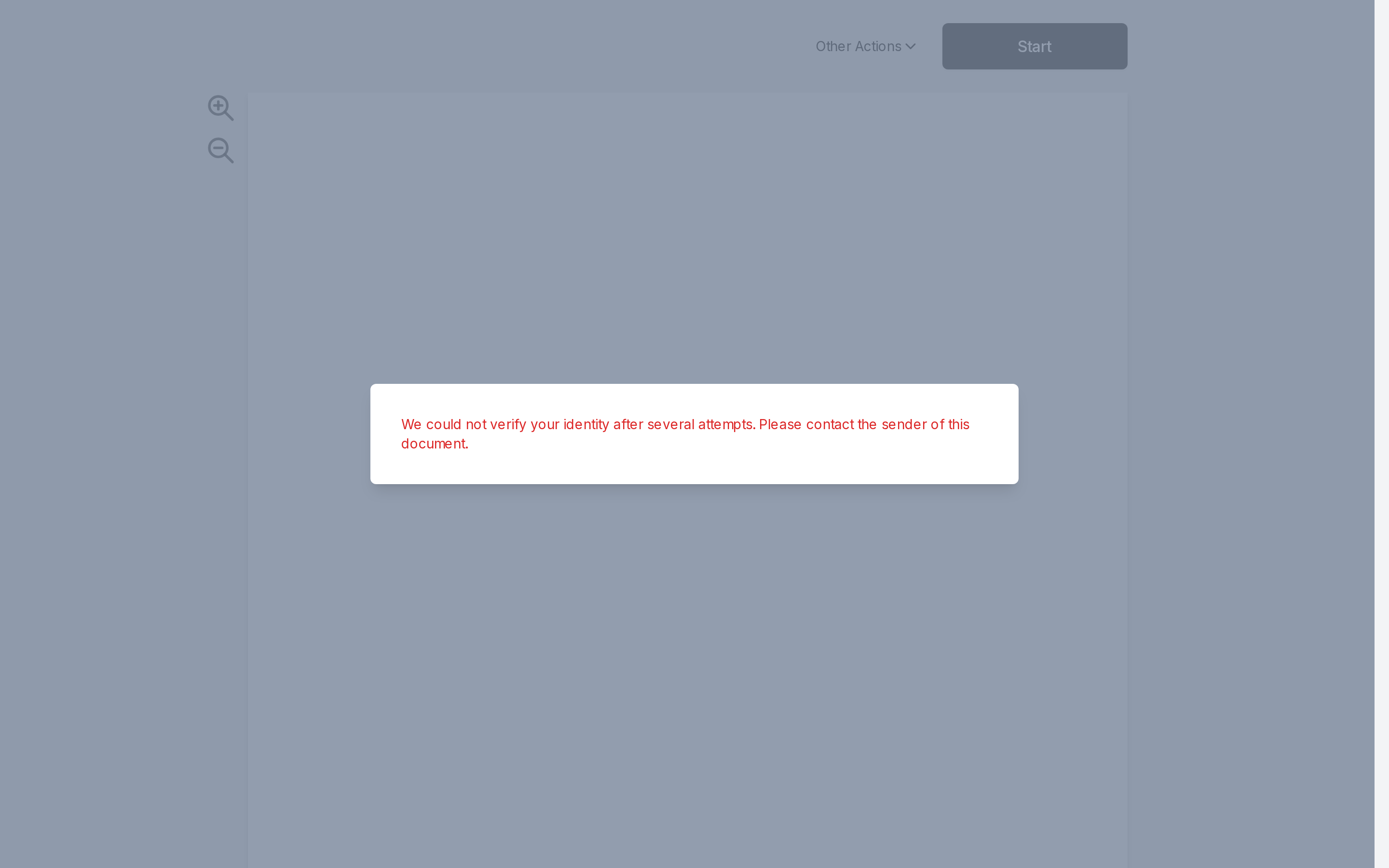
After five rejected checks, the step locks. The signer can’t try again and is asked to contact the sender.
Track the result
The envelope’s events record the check:
recipient.identity_verification_started: the signer was sent to the identity verification provider.recipient.identity_verified: the provider confirmed the signer’s identity.recipient.identity_rejected: the provider didn’t confirm it.
Subscribe to them with webhooks, like any other event.