
Signing Workers
Choose your provider's model
Map your provider's certificate lifecycle, identification step and signature output to a signature format, the pending steps of your worker and the screens the signer sees
Private beta. Qualified signatures are available on request. Request access and we enable them for your account. SWP/1 is in beta and may change.
Every qualified trust service provider (QTSP) signs a little differently. Before you write a line of your signing worker, answer three questions about your provider. The answers decide your signature format, which calls your worker pauses, and what the signer sees.
- Certificate lifecycle. Does the signer already have a certificate, or does the provider issue one for this signature?
- Identification. When does the provider check who the signer is?
- Output. Does the provider’s signing call return a bare signature value, or a finished CMS signature?
A quick reminder of the three calls, in order: credential returns the certificate, authorize gets the signer’s approval for one digest, and sign produces the signature. Only credential and authorize can pause for the signer.
1. Certificate lifecycle
| Long-term certificate | One-shot certificate | |
|---|---|---|
| What it is | Issued once to the signer, reused for every signature. The signer has an account or enrollment at the provider. | Issued for one signature, after the provider identifies the signer. It lives for minutes, then expires. |
| How you find it | Look it up, for example with the CSC methods credentials/list and credentials/info | The provider creates it during the signing flow, with its own API |
Your credential answer | The certificate chain, right away | Depends on the output. See section 4. |
expires_at | Leave it out, or set the certificate’s real end date | Set it. SignatureAPI checks it before authorize and before sign. |
The Cloud Signature Consortium (CSC) API, the common standard for remote signing services, covers long-term credentials directly. Version 2.0 of the CSC API calls one-shot certificates “short-lived credentials”, but doesn’t define how to create one. Check your provider’s API for how it issues them.
2. Identification
Every QTSP knows who the signer is before it signs in their name. The question is when it checks.
- Bundled with the approval. The signer identifies and approves in one interaction: one hosted page, or one confirmation in the provider’s app.
- A separate first step. The provider must identify the signer before it can issue a certificate, then asks for the approval on its own.
- Not at signing time. The provider already knows the signer, from an earlier enrollment. At signing time, the signer only approves, usually with a PIN, a one-time password or their app.
None of this is the optional identity check you can add to a ceremony. That check happens before the signer sees the documents, and it’s yours to add. The provider’s identification always happens too.
3. Output
| Your provider’s signing call returns | Use |
|---|---|
A bare signature value over a hash, like the CSC signatures/signHash method | raw, the default |
A complete, detached CMS or PKCS#7 signature, like a CSC signatures/signDoc call that asks for a detached CAdES signature | cms |
The format changes what the digest is a hash of, and when SignatureAPI needs the certificate:
raw. SignatureAPI builds the signature around your value, and that signature names the certificate. So the certificate must exist before SignatureAPI computes the digest, at the end ofcredential.cms. Your provider builds the signature. The certificate can wait until thesignresponse.
That second point is what makes one-shot providers simple with cms: identification, issuance and approval can all happen in one authorize interaction.
4. Put it together
flowchart TD
    A{Does the signer already have<br/>a certificate at the provider?} -->|Yes: long-term| B{What does the<br/>signing call return?}
    A -->|No: one-shot| C{Can the provider return<br/>a complete CMS?}
    B -->|Bare value| R1["raw<br/>credential: completed with the chain<br/>authorize: pending for the approval"]
    B -->|Complete CMS| R2["cms<br/>credential: completed, chain optional<br/>authorize: pending for the approval"]
    C -->|Yes| R3["cms<br/>credential: completed, no certificate<br/>authorize: pending for identification and approval<br/>sign: returns the CMS and the new chain"]
    C -->|No, bare value only| R4["raw<br/>credential: pending for identification,<br/>then completed with the new chain<br/>authorize: pending, or completed if the<br/>first step already covered the approval"]
| Your provider | Format | credential | authorize | Recipe |
|---|---|---|---|---|
| Long-term certificate, “sign hash” call | raw | completed with the chain | pending for the approval | CSC remote certificate |
| Long-term certificate, approval in the provider’s app | raw or cms | completed with the chain | pending, poll channel | App approval |
| Long-term certificate, returns a complete CMS | cms | completed, chain optional | pending for the approval | CSC remote certificate |
| One-shot certificate, returns a complete CMS | cms | completed without a certificate | pending for identification and approval | One-shot certificate |
| One-shot certificate, bare value only | raw | pending for identification, then completed with the new chain | pending, or completed if the first step covered the approval | One-shot certificate |
A one-shot provider with raw must issue the certificate during credential, because the digest needs it. That’s the only model that always asks the signer to act during credential.
What the signer sees
The ceremony shows a screen for each pause. The screen depends on the paused call and on the channel your pending answer offers.
| Paused call | Your pending answer has | The ceremony shows | Then |
|---|---|---|---|
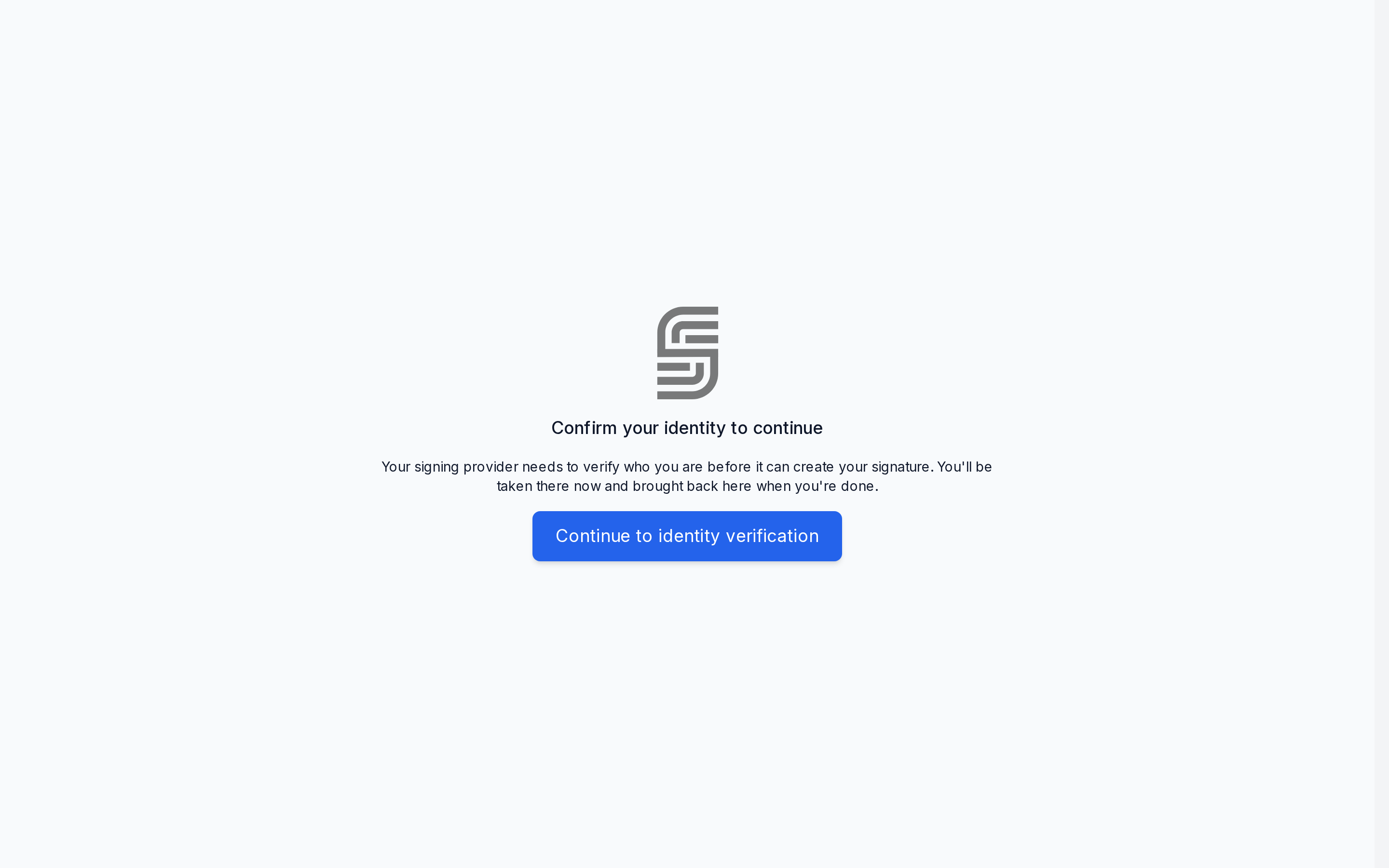
credential | action_url | Confirm your identity to continue | Sends the browser to action_url after a moment. A Continue to identity verification button does the same. |
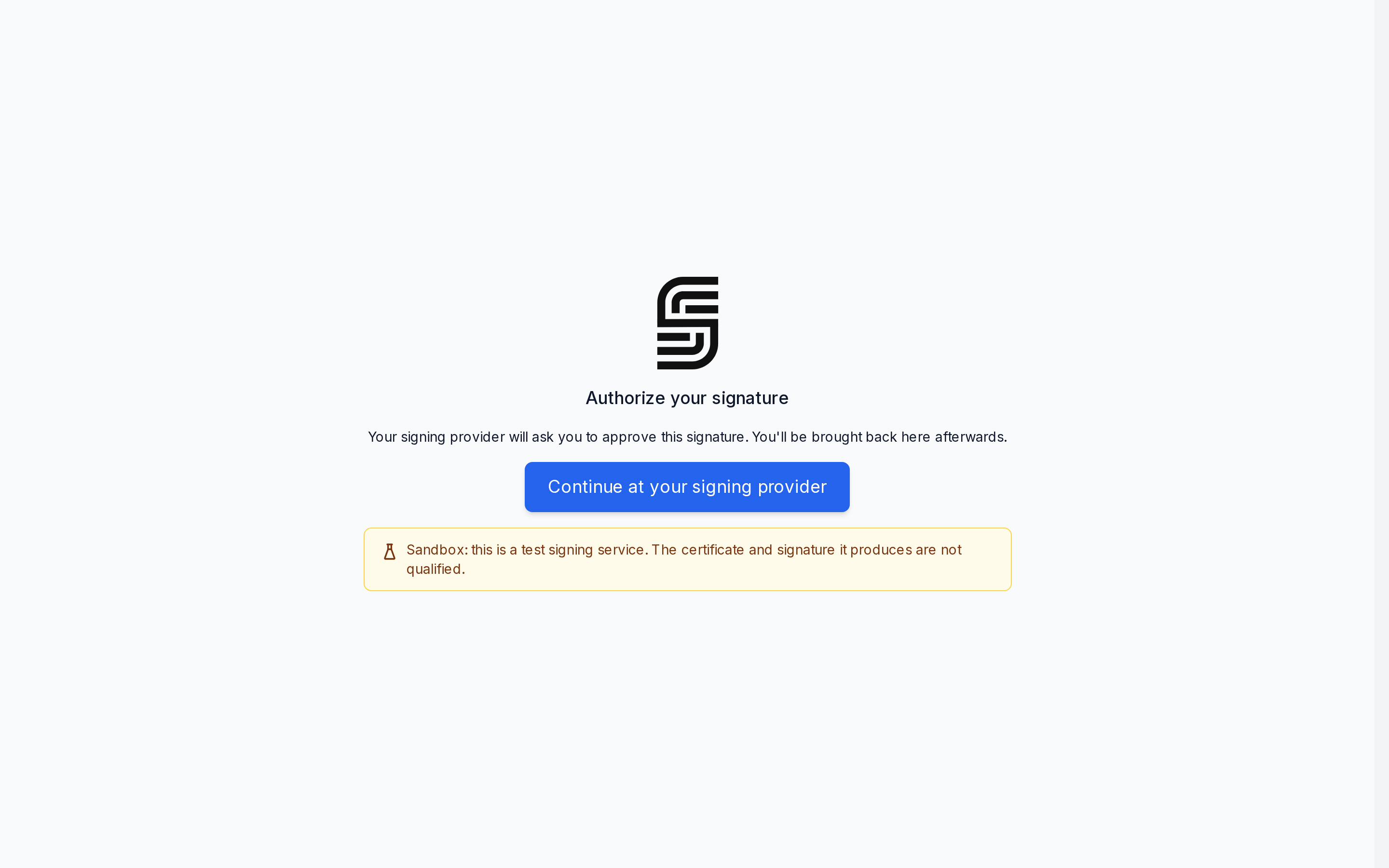
authorize | action_url | Authorize your signature | Sends the browser to action_url right away. A Continue at your signing provider button does the same. |
credential or authorize | poll_after only | Waiting for your confirmation | The signer stays in the ceremony, which updates on its own when your worker answers. |
An answer with both action_url and poll_after shows the redirect screen, and SignatureAPI also polls.
Around the pauses, the ceremony shows Preparing your document… while SignatureAPI works, and Finalizing your signature… once the signature is in. If the session fails, it shows We couldn’t complete your signature with the failure reason and a Try again button, which starts a new signing session.