
Send Qualified Envelopes
Quickstart: your first qualified envelope
Send a test envelope with a qualified signer, sign it through the sandbox worker, and check the signature in a PDF validator
Private beta. Qualified signatures are available on request. See Request access.
In this quickstart, you send a privacy policy to Jane Doe for a qualified signature, in test mode. Then you sign it as Jane and check the signature in a PDF validator. It takes about ten minutes.
You don’t need a provider or a signing worker. In test mode, the sandbox worker, a signing service that SignatureAPI hosts, plays the provider and signs with sandbox certificates.
Before you start
- Qualified signatures enabled for your account. See Request access.
- A test API key, starting with
key_test_. Find it in the Dashboard under API Keys.
New to SignatureAPI? The API quickstart explains envelopes, documents, places and recipients.
Create the envelope
Replace key_test_xxxxxxxx with your test API key and run:
curl -X POST \
     -H 'Content-Type: application/json' \
     -H 'X-API-Key: key_test_xxxxxxxx' \
     -d '{
           "title": "Privacy Policy",
           "routing": "sequential",
           "documents": [
             {
               "url": "https://pub-9cb75390636c4a8a83a6f76da33d7f45.r2.dev/privacy-placeholder.pdf",
               "format": "pdf",
               "places": [
                 {
                   "key": "signer_signs_here",
                   "type": "signature",
                   "recipient_key": "jane"
                 }
               ]
             }
           ],
           "recipients": [
             {
               "type": "qualified_signer",
               "key": "jane",
               "name": "Jane Doe",
               "email": "jane@example.com",
               "scheme": "eu_eidas"
             }
           ]
         }' \
     https://api.signatureapi.com/v1/envelopes
Most of this is a regular envelope. These fields are specific to qualified signers:
| Field | Value | Why |
|---|---|---|
recipients[].type | qualified_signer | Jane signs with a qualified signature. |
recipients[].scheme | eu_eidas | The legal scheme. Required, and the only one available. |
routing | sequential | Required for qualified signers. Set it explicitly: when you leave it out, your account’s default routing applies. |
Jane also has exactly one signature place, the only place a qualified signer can have. The sample PDF contains the placeholder [[signer_signs_here]] that the place’s key points to.
The response is the new envelope. Note its id:
{
  "id": "5e5ace5e-bd1e-4d5a-bb1f-6a2b2e42cd13",
  "title": "Privacy Policy",
  "status": "processing",
  "mode": "test",
  "routing": "sequential",
  // ...
  "recipients": [
    {
      "id": "re_00ZeZjRaXCgT30n1eBx53N",
      "type": "qualified_signer",
      "key": "jane",
      "scheme": "eu_eidas",
      "status": "pending",
      // ...
    }
  ]
}
The request failed with a 422
The request failed with a 422
The type in the response names the rule the envelope broke, for example qualified-signature-not-enabled or invalid-qualified-routing. Envelope rules lists every rule and its error.
Sign as Jane
Test envelopes don’t send real emails. Open the invitation in the Dashboard instead:
- In test mode, go to Envelopes and select Privacy Policy.
- In the Emails section, open the email sent to Jane Doe.
- Select the button in the email preview. The ceremony opens as Jane.
Then sign. The sandbox worker plays a provider with two pages, one to identify Jane and one to approve the signature, so you see both screens the ceremony can show for a provider. A real provider may need only one of them. See How it works.
Consent, review and sign
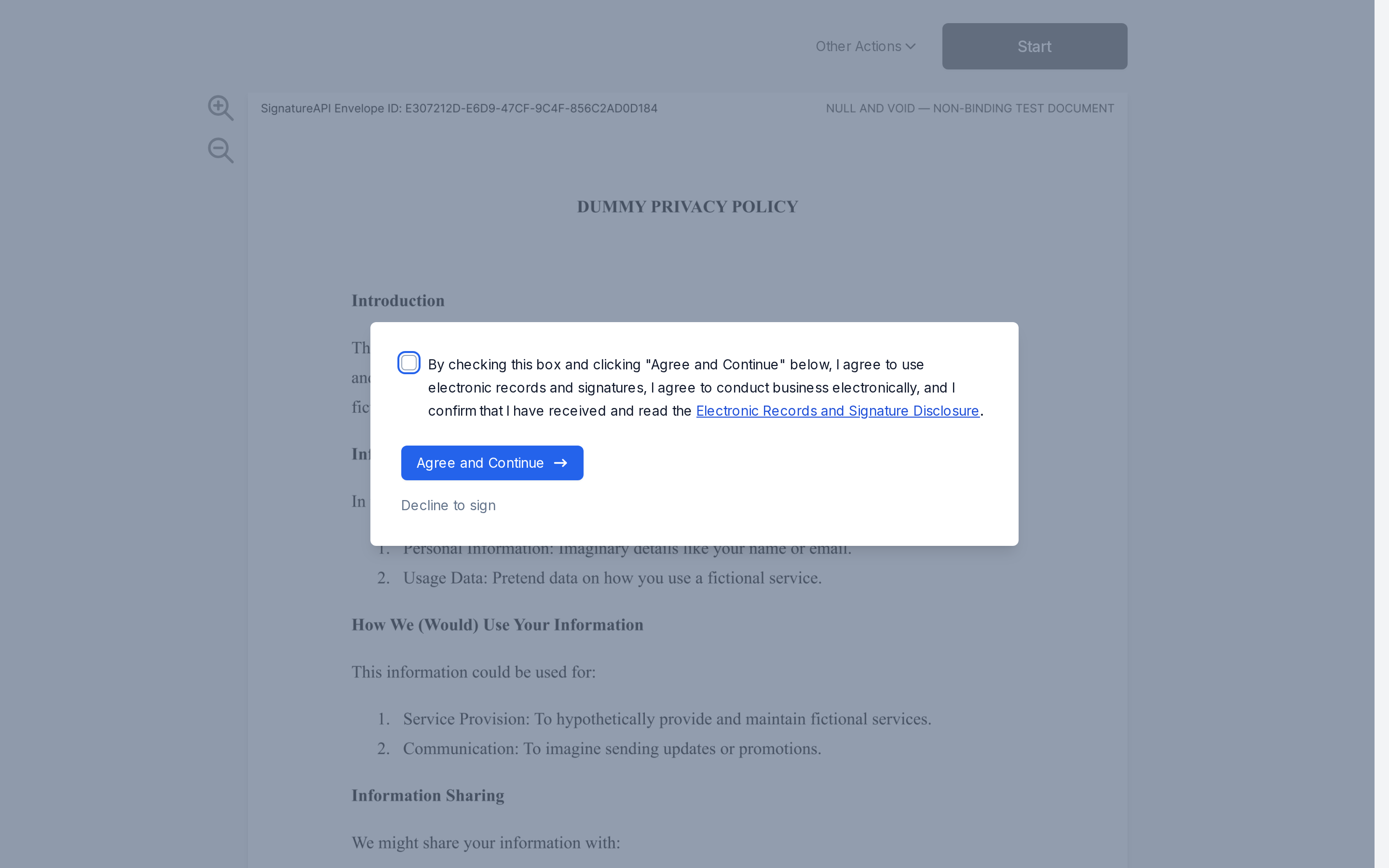
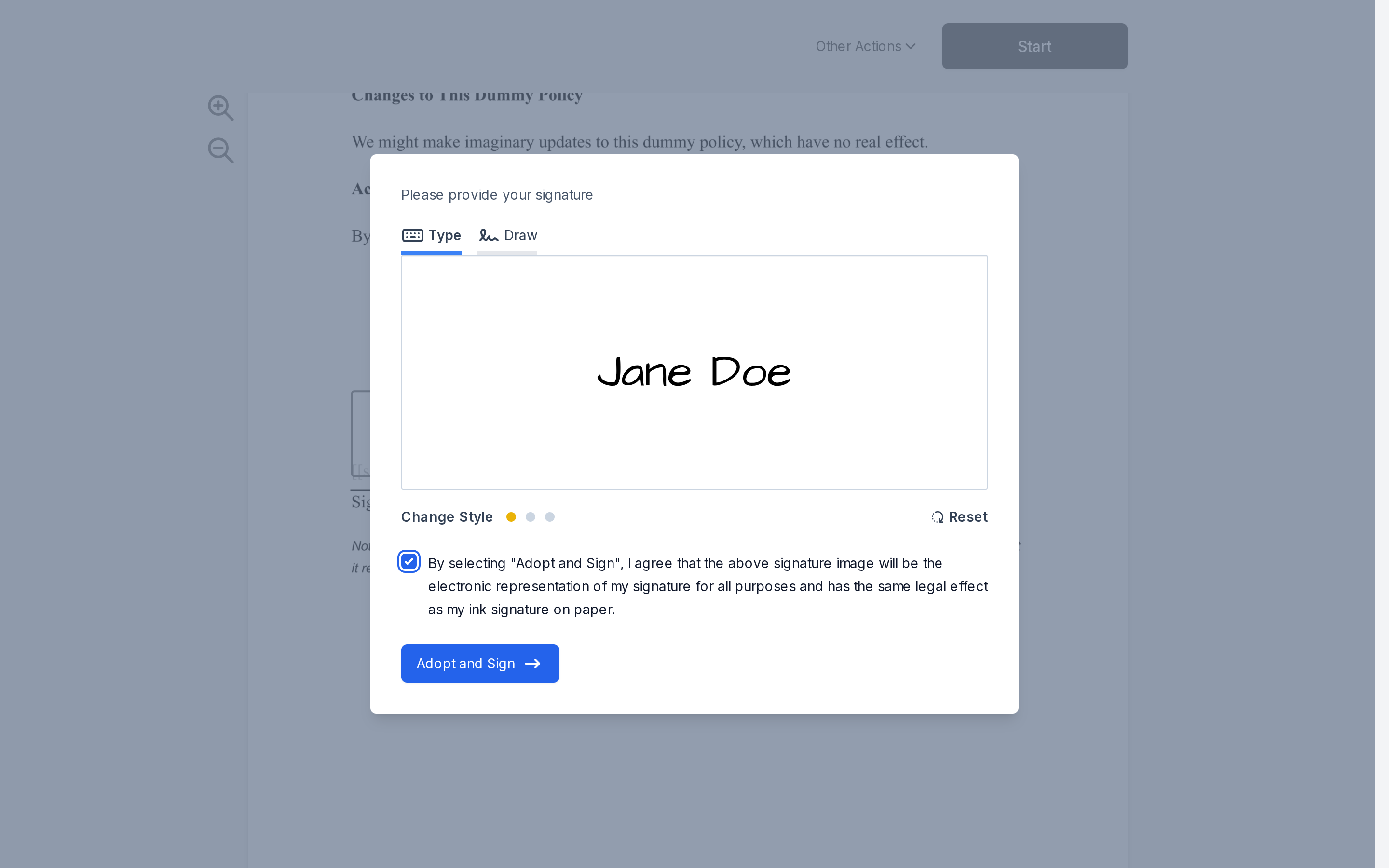
Select Agree and Continue, review the document and select Start. Select the signature place, adopt a signature with Adopt and Sign, and select Finish.
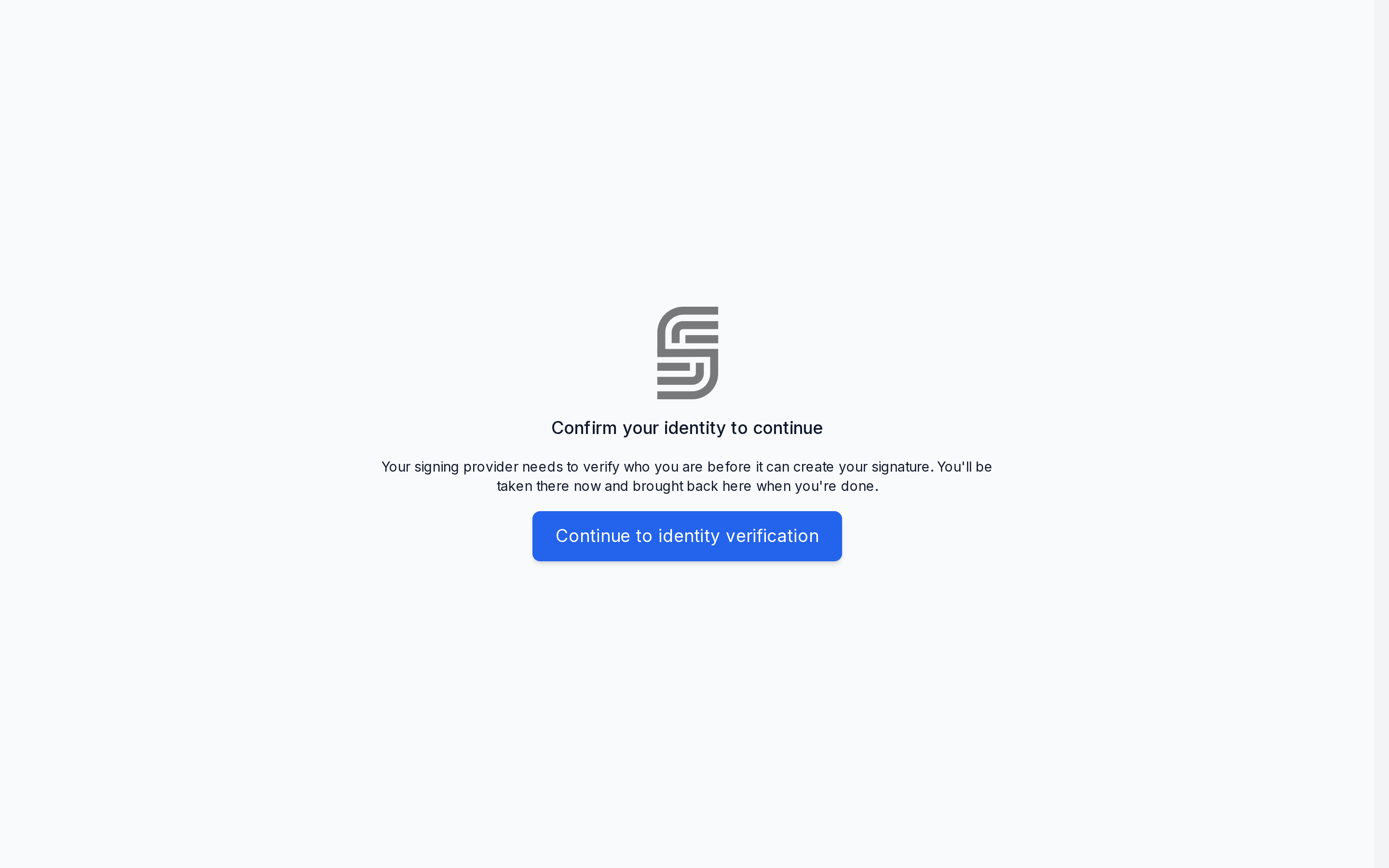
Identify at the sandbox worker
The ceremony shows Confirm your identity to continue and takes Jane to the sandbox worker's Identify yourself page after a moment. If nothing happens, select Continue to identity verification.
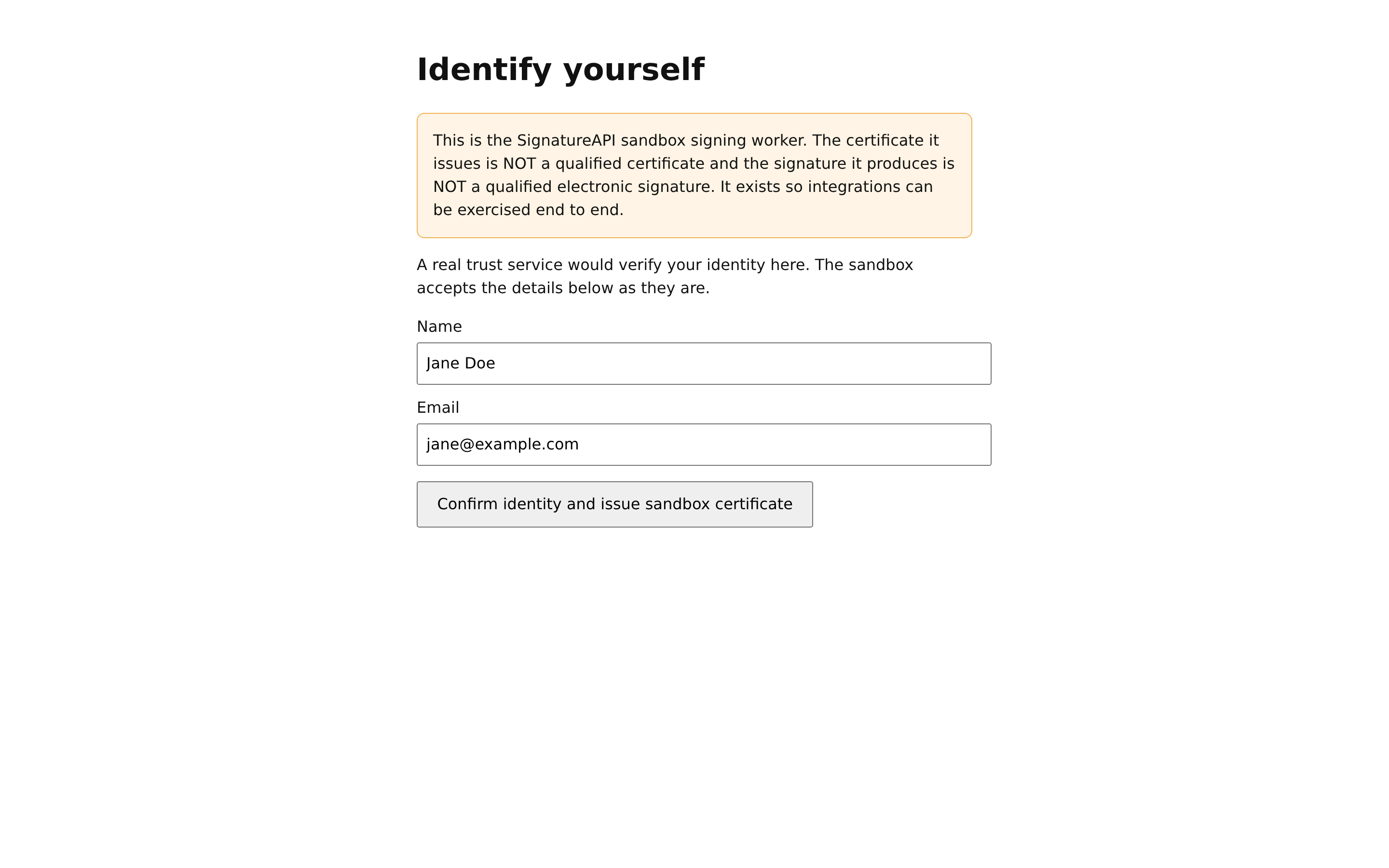
On Identify yourself, select Confirm identity and issue sandbox certificate. A real provider would check Jane's identity here.
Approve the signature
Back in the ceremony, Jane goes straight on to the sandbox worker's Authorize your signature page, which lists what she is about to sign. Select Authorize.
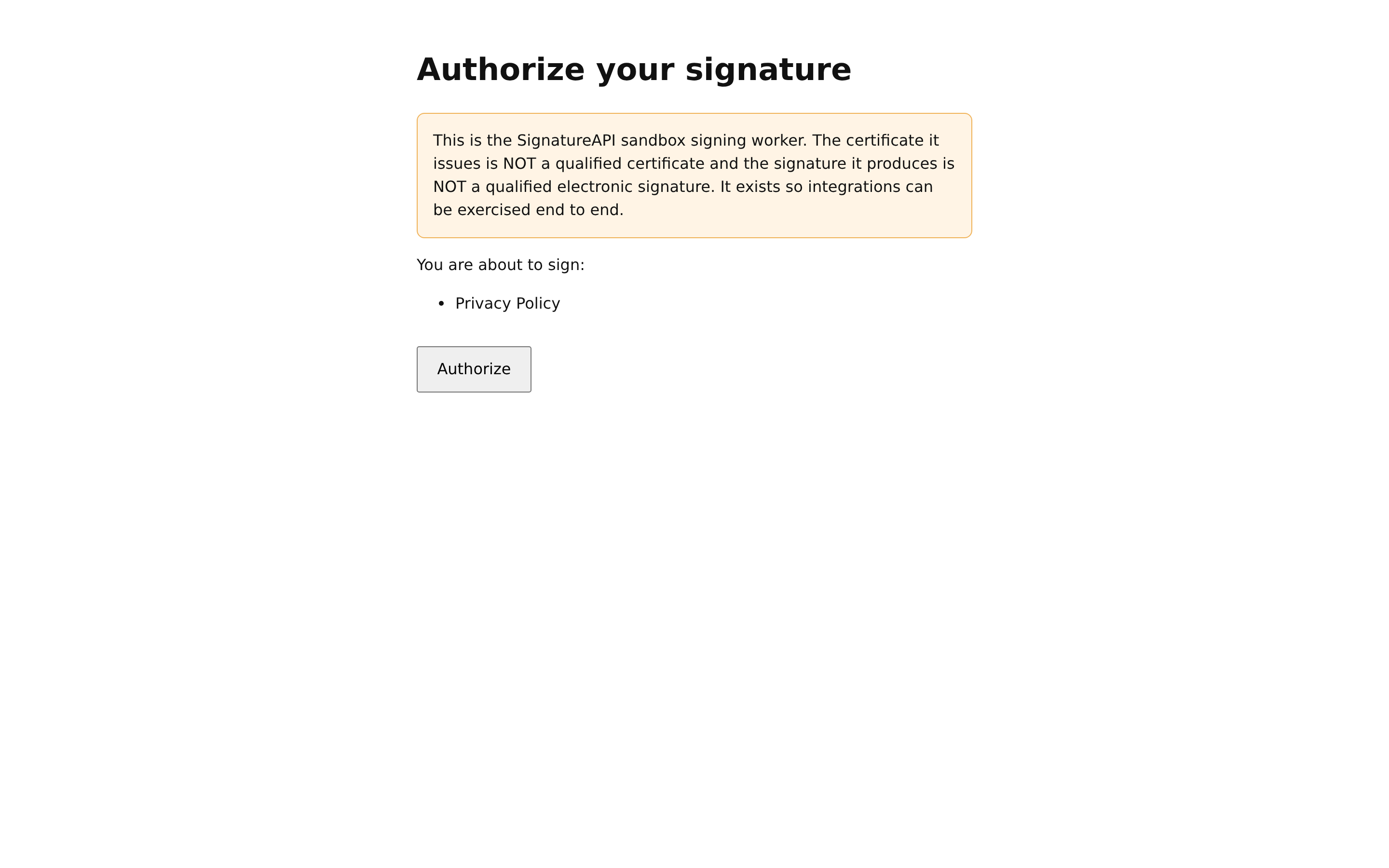
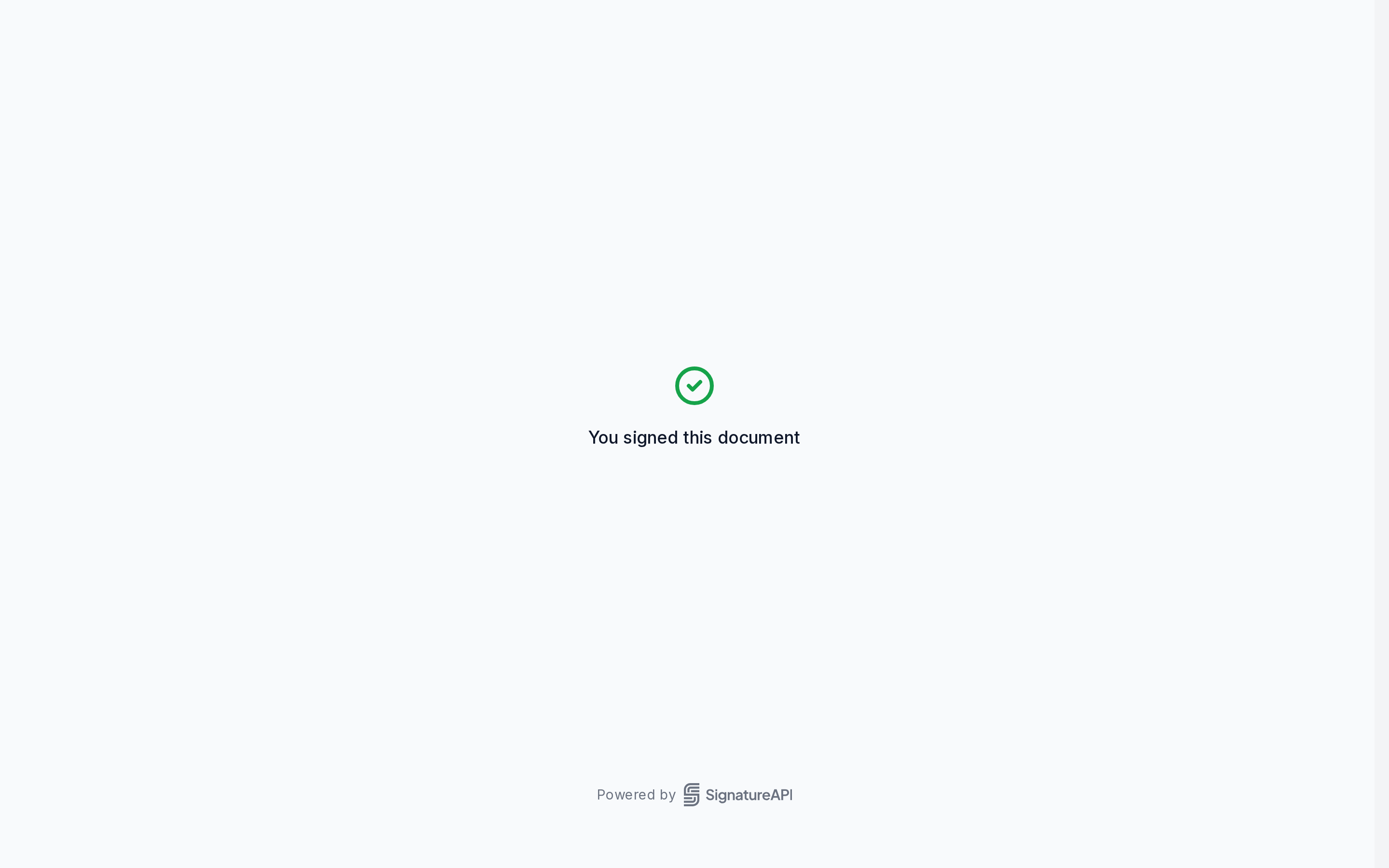
The ceremony completes and shows You signed this document. Every sandbox page shows a notice that the signature is not qualified. That’s expected.
Check the envelope
Get the envelope, using the id from the first response:
curl -H 'X-API-Key: key_test_xxxxxxxx' \
https://api.signatureapi.com/v1/envelopes/5e5ace5e-bd1e-4d5a-bb1f-6a2b2e42cd13statusandrecipients[].statusarecompleted.recipients[].certificatedescribes Jane’s certificate. Itsissueris the sandbox certificate authority, whose name saysNOT QUALIFIED.deliverable.statusbecomesgeneratedwithin a minute or two. Thendeliverable.urlholds the signed PDF: one file with every document, and no audit log.
Check the signature
Download the PDF and open it in a tool that validates PDF signatures, such as the signature panel in Adobe Acrobat Reader, or the European Commission’s DSS validation demo.
Both show Jane’s signature and confirm the document hasn’t changed since she signed. Both also say they don’t trust the signer. That’s correct: validators trust only certificates that lead to a provider on the EU Trust Services List, and the sandbox never will. With your provider in live mode, the same check reports a qualified electronic signature.