Localization
Language
Set the language for signing interfaces and recipient emails in Power Automate flows
You can customize the language displayed to recipients in both the signing interface and emails to make them more familiar to your customers.
Available Languages
SignatureAPI currently supports these languages:
| Language | Code |
|---|---|
| 🇺🇸 English | en |
| 🇨🇳 Chinese (Simplified) | zh |
| 🇫🇷 French | fr |
| 🇩🇪 German | de |
| 🇮🇹 Italian | it |
| 🇧🇷 Portuguese (Brazil) | pt |
| 🇪🇸 Spanish | es |
| 🇭🇺 Hungarian | hu |
| 🇳🇱 Dutch | nl |
Default Language
Set your account’s default language in the Settings section of the Dashboard. If needed, you can override this default for individual envelopes by specifying the language parameter when creating the envelope.
Envelope Language
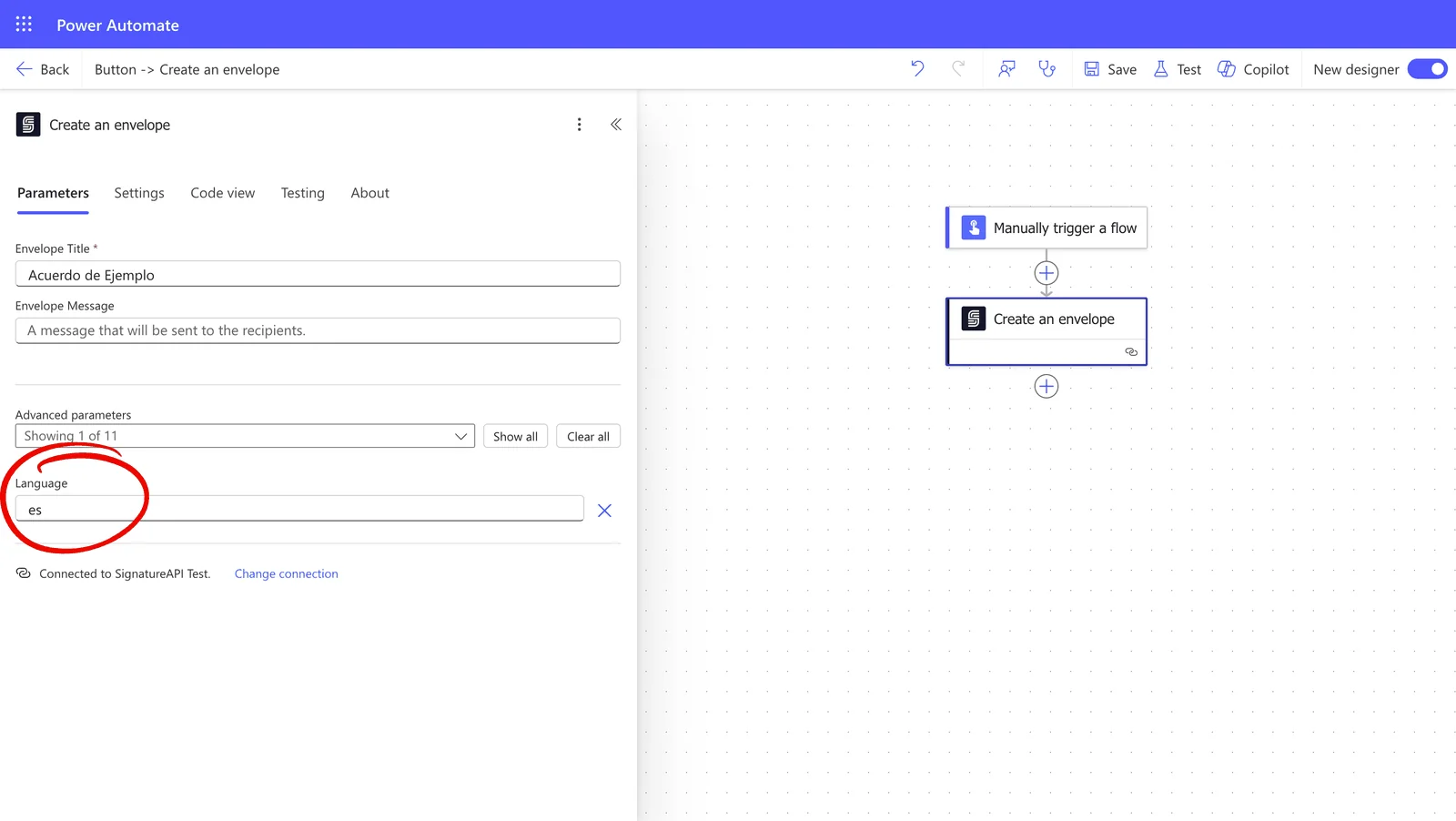
To use a different language for a specific envelope, set the language parameter when creating the envelope:
How does it looks
Emails
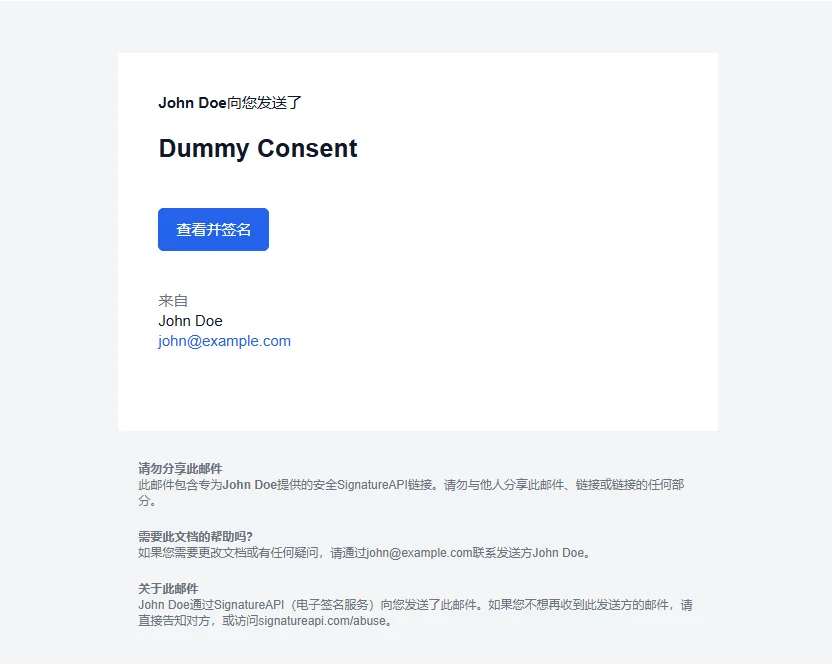
The language you choose appears in signing requests and when sending completed documents.
Ceremony Interface
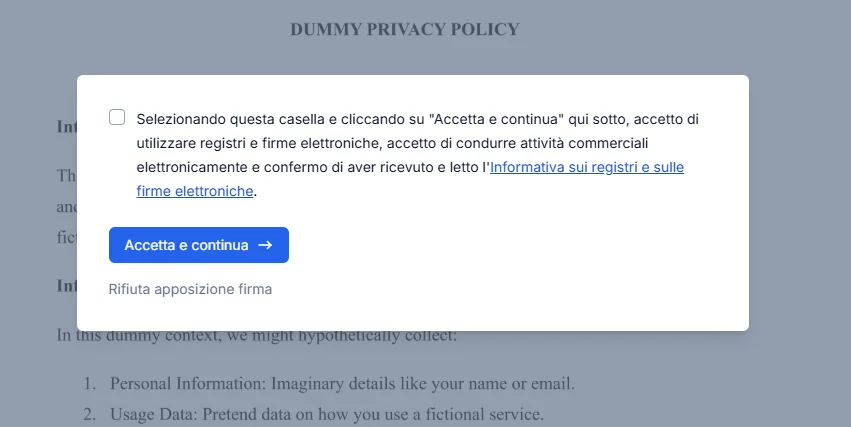
Recipients see your chosen language in buttons, messages, and click-through agreements during signing.
Deliverables
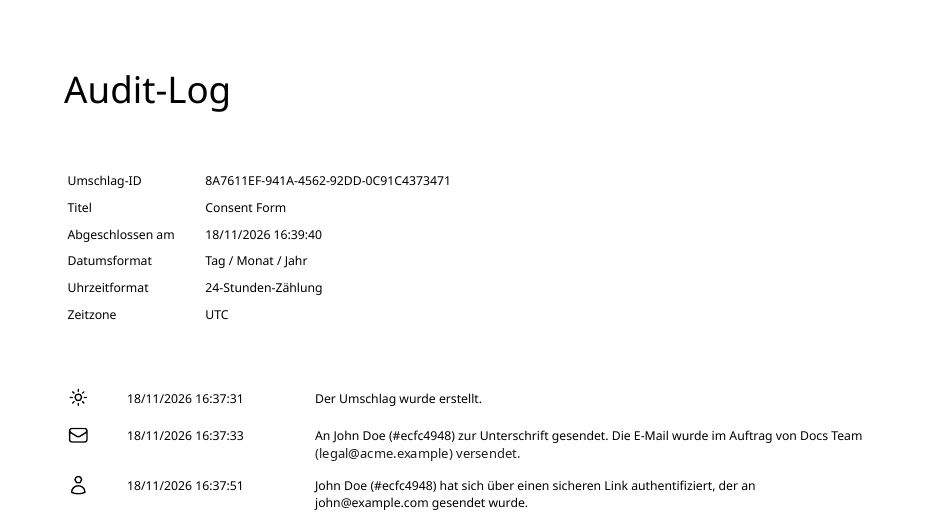
The audit log attached to signed documents is shown in your selected language.