

Place actions
Add a place: Text
Use the Add a place: Text action in Power Automate to print fixed text on a document at a placeholder or a fixed position before signing.
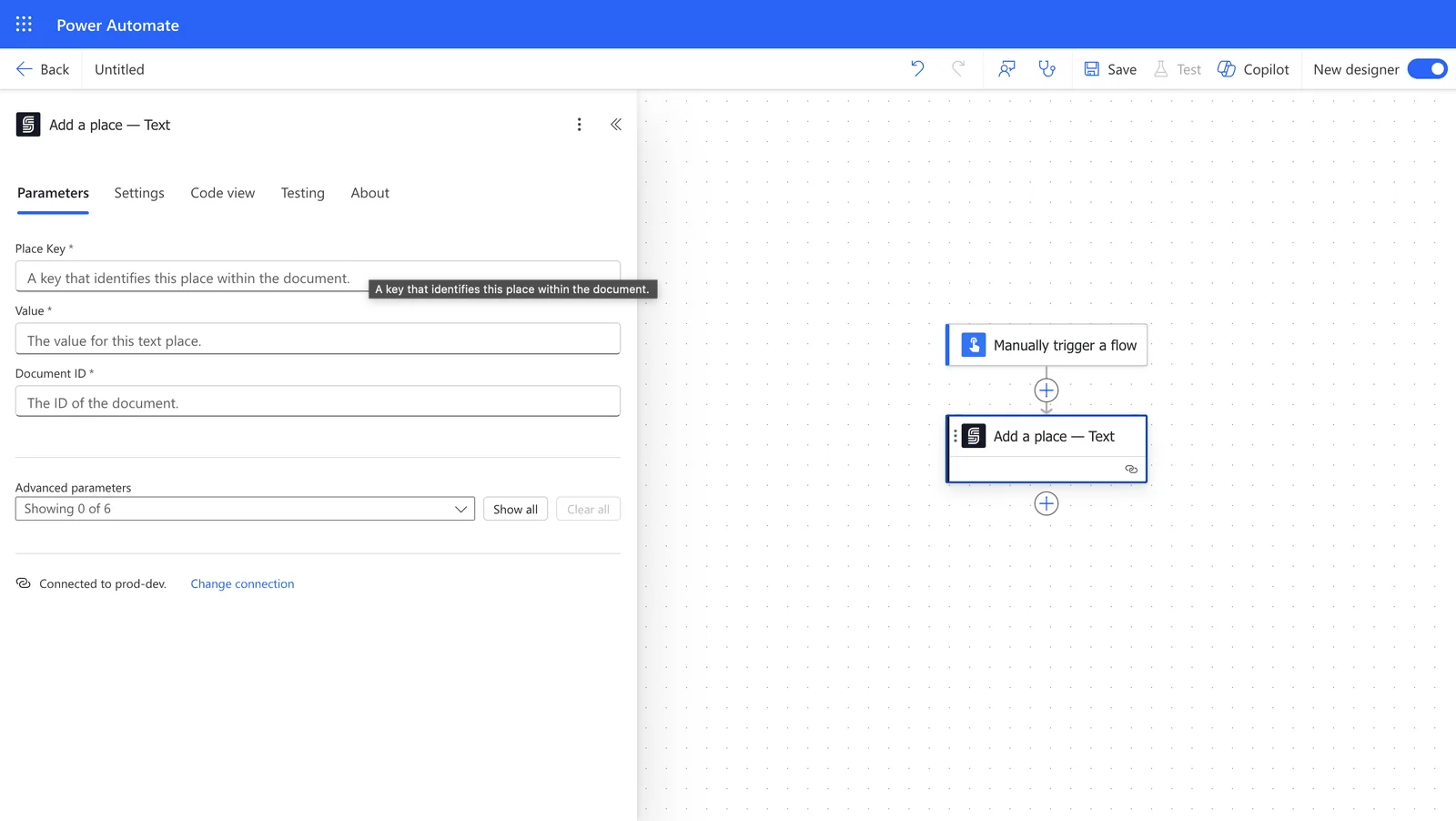
Input
A key that identifies this place within the document.
The value for this text place.
The ID of the document to which the place will be added.
Format Messagestring
The message displayed when the user’s input does not match the required format.
Font Sizestring
The font size in points.
Font Colorstring
The font color in hexadecimal notation.
Page Numberstring
The page number to position this place.
Distance From Topstring
The distance (in points) from the top of the page to the bottom of the place.
Distance From Leftstring
The distance (in points) from the left of the page to the place.
Extra Propertiesstring
Extra properties for extensibility.
Output
This action has no output.