

Place actions
Add a place: Signature
Use the Add a place: Signature action in Power Automate to place a signature field for a recipient on a document by placeholder or position.
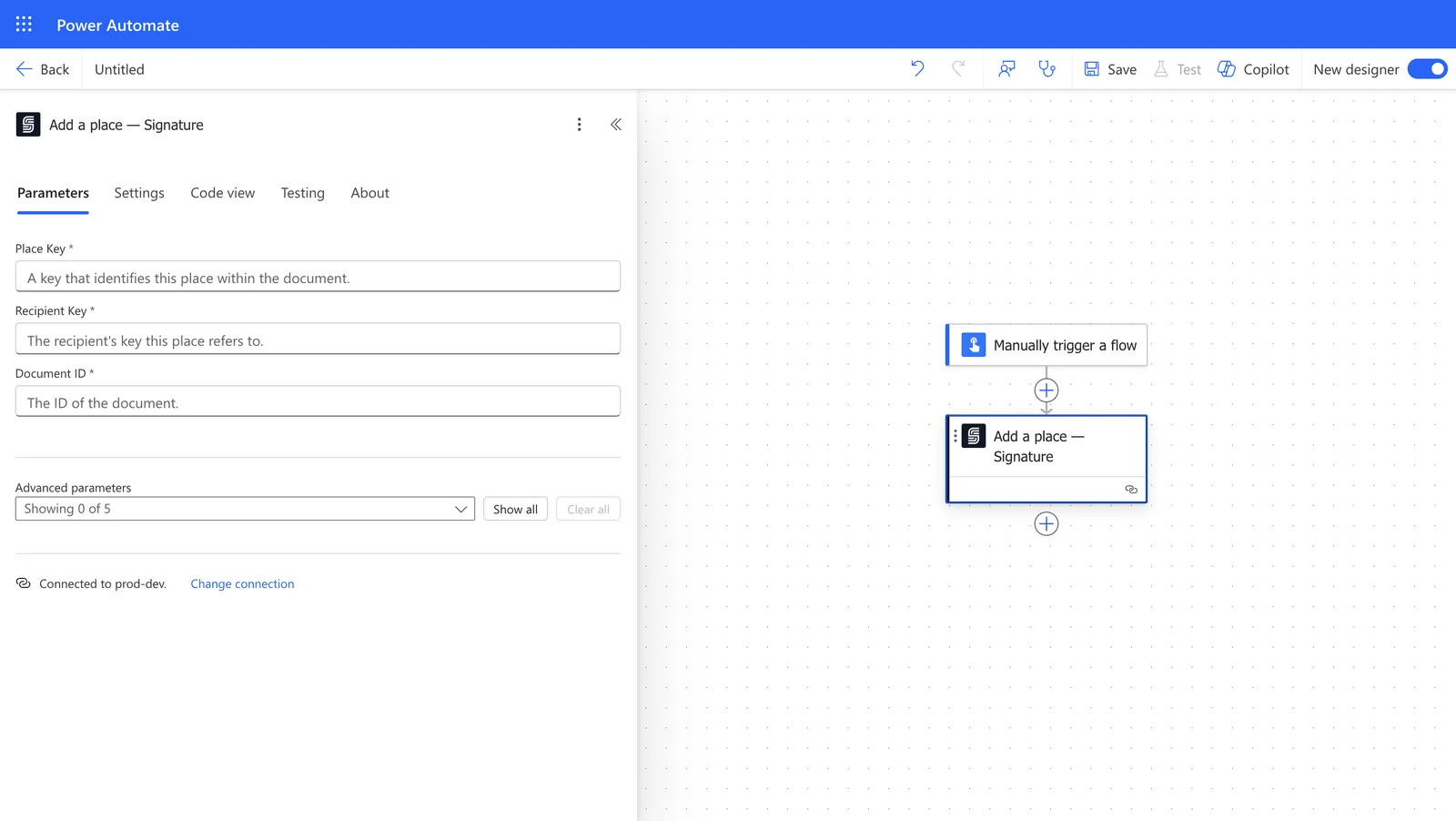
Input
A key that identifies this place within the document.
A user-provided key that identifies a recipient within an envelope.
It must be up to 32 alphanumeric, lowercase characters and must start with a letter. For example: buyer, employee, party2 are valid recipient keys.
The ID of the document to which the place will be added.
Set a custom height, the width adjusts proportionally.
The page number to position this place.
The distance (in points) from the top of the page to the bottom of the place.
The distance (in points) from the left of the page to the place.
Extra properties for extensibility.
Output
This action has no output.