
Overview
Introduction
Embed the signing interface into your application for a seamless user experience
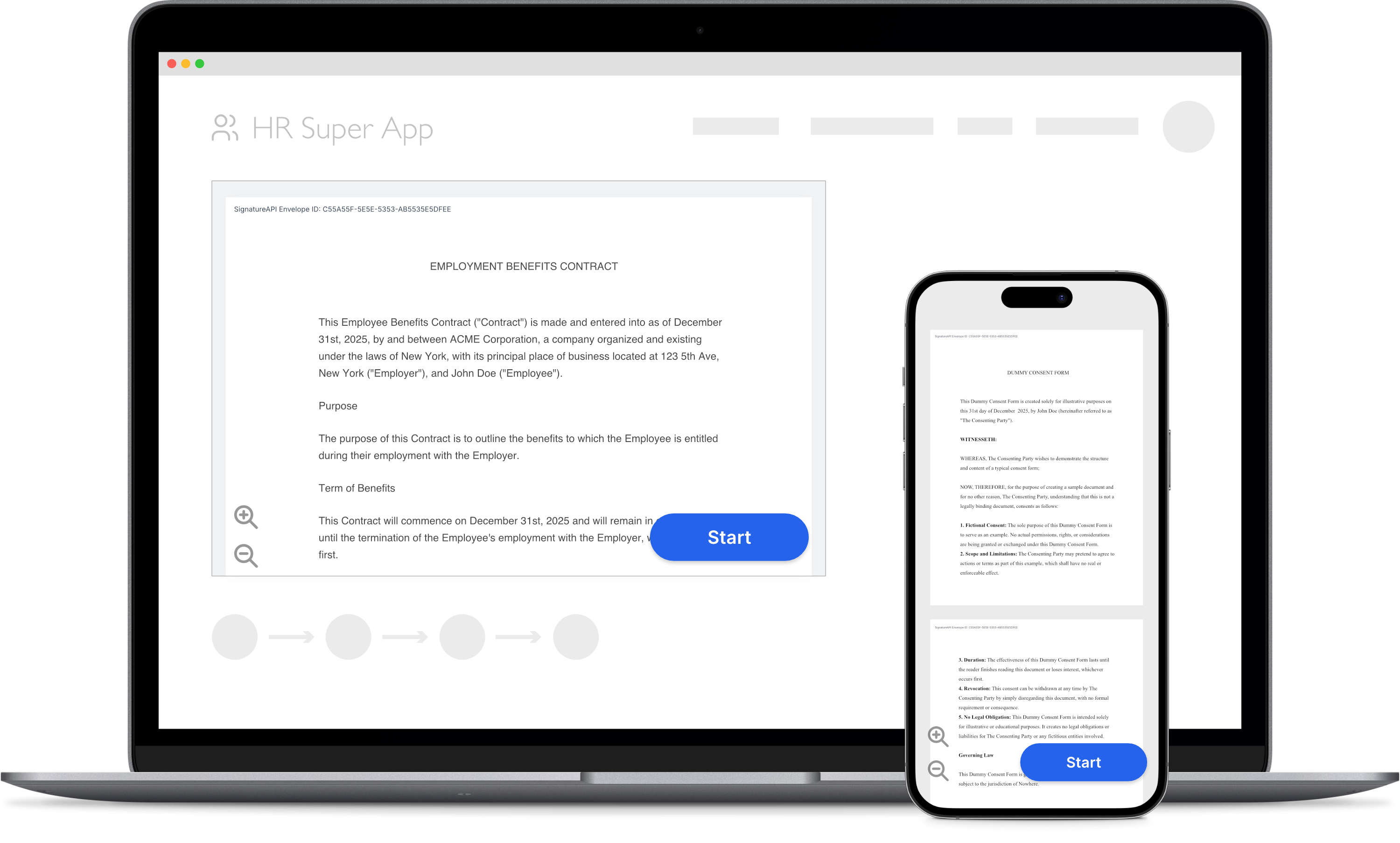
Let your users sign documents directly in your web or mobile app using SignatureAPI’s Embedded Signing.
You need both:
- A server to create an envelope and get a ceremony URL.
- A client to display the ceremony to the recipient.
Server side
Check Ceremony URL to learn how to get a ceremony URL using your server.
Client side
After getting the ceremony URL, you can embed the signing interface directly into your application. You don’t need any extra dependencies. Use standard components like iframes (for web apps), WebView (for Android), or WKWebView (for iOS).
Web Apps
Embed the ceremony in a web application using HTML and Javascript.
React Native
Embed the ceremony in a React Native app.
iOS
Embed the ceremony in an iOS app using Swift and WKWebView.
Android
Embed the ceremony in an Android app using Kotlin and WebView.
Browser requirements
The ceremony runs in any modern browser or WebView. Default settings work, except that Android needs JavaScript turned on.
- JavaScript must be on.
- The ceremony uses no cookies,
localStorage,sessionStorage, or IndexedDB. Third-party cookie blocking in WebKit is fine. On Android, DOM storage and third-party cookies can stay off. - Allow the browser to contact these hosts:
| Host | Purpose |
|---|---|
sign.signatureapi.com | The ceremony |
api.signatureapi.com | The ceremony’s API calls |
vault.signatureapi.com | Document page images |
fonts.googleapis.com | Fonts |
fonts.gstatic.com | Fonts |
Automated testing
To stop email link scanners from completing ceremonies, the ceremony arms completion only after input that a person produces. That input is a touch, a scroll-wheel turn, a key press, or a pointer moving across several positions. Until then, Finish opens a “Confirm to continue” dialog. This is expected.
Automated tests must produce real input:
- XCUITest taps on iOS.
- UiAutomator gestures on Android.
- Mouse movement in Playwright.
Clicks dispatched from JavaScript, such as Espresso-Web webClick(), don’t count. Add a real gesture first, for example a swipe over the document. Don’t confirm the dialog in tests: if it appears, the test isn’t acting like a signer.
Assert on the ceremony event itself. In a desktop browser, the Navigation API fires a navigate event for the signatureapi-message:// URL at the same moment a native WebView sees it. Listen for that event. Don’t assert on the ceremony’s console output.