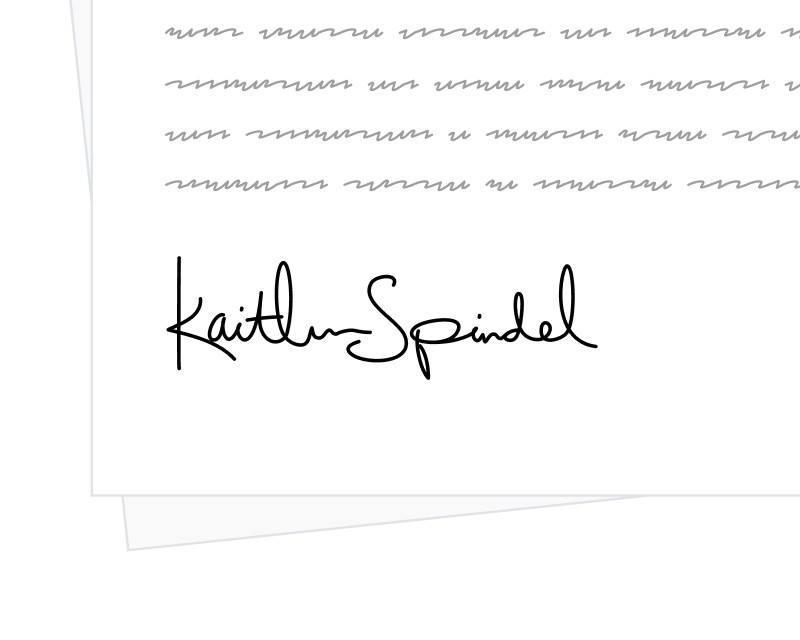
Signatures are more than just names on paper; they are personal symbols that reflect our identity and individuality. In a world where digital interactions are the norm, preserving this personal touch is essential. That’s why SignatureAPI has launched the ability for signers to draw their signatures.
Drawn Signatures
Previously, SignatureAPI users could only type their signatures, which lacked a personal dimension. The new drawn signature feature enables signers to use a mouse, stylus, or touchscreen to draw their signatures, introducing authenticity and personal character to every signed document.
Signing with Drawn Signatures
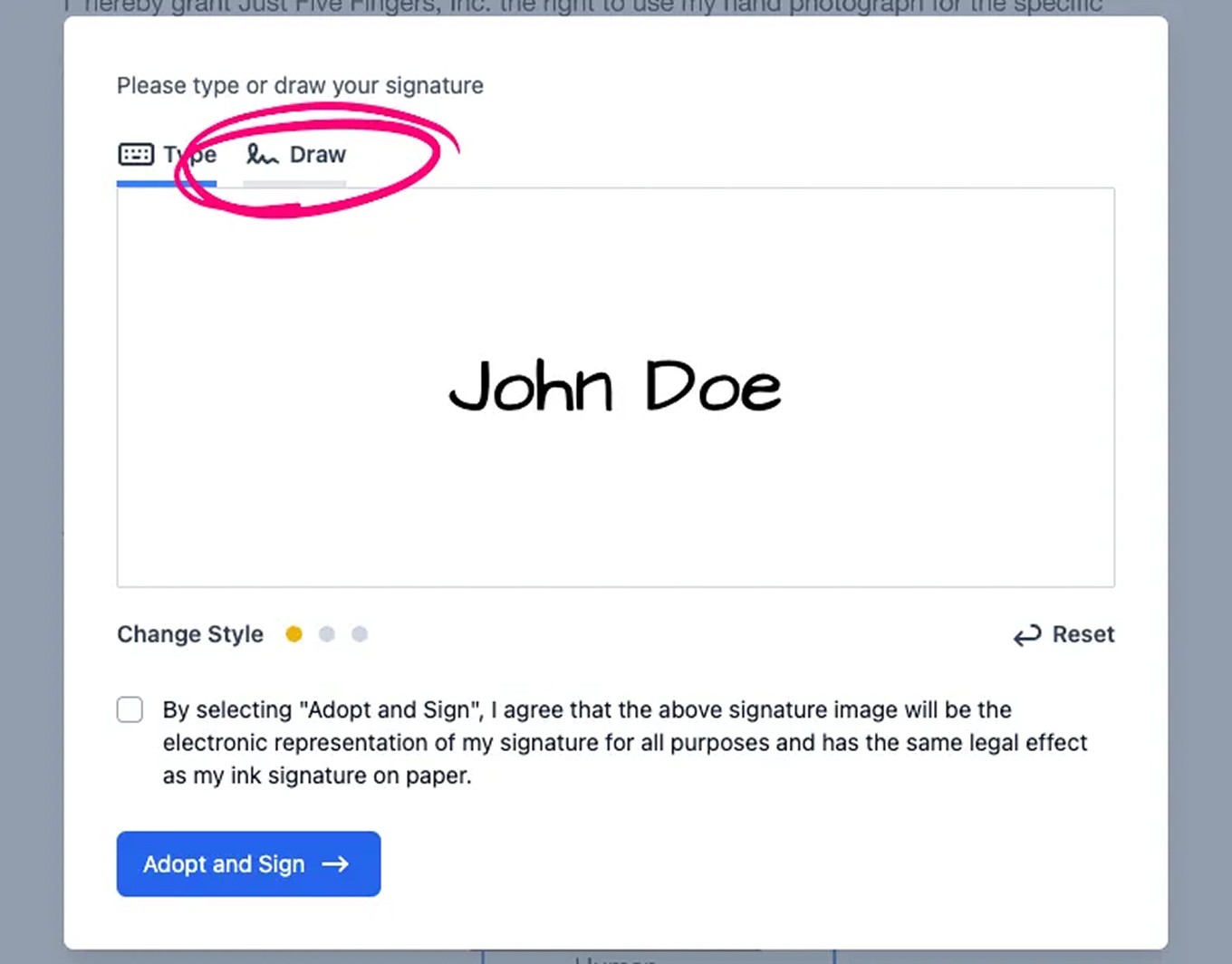
When signing a document, users now have two signature options. Typed signatures remain the default, but a new “Draw” option appears alongside “Type.”
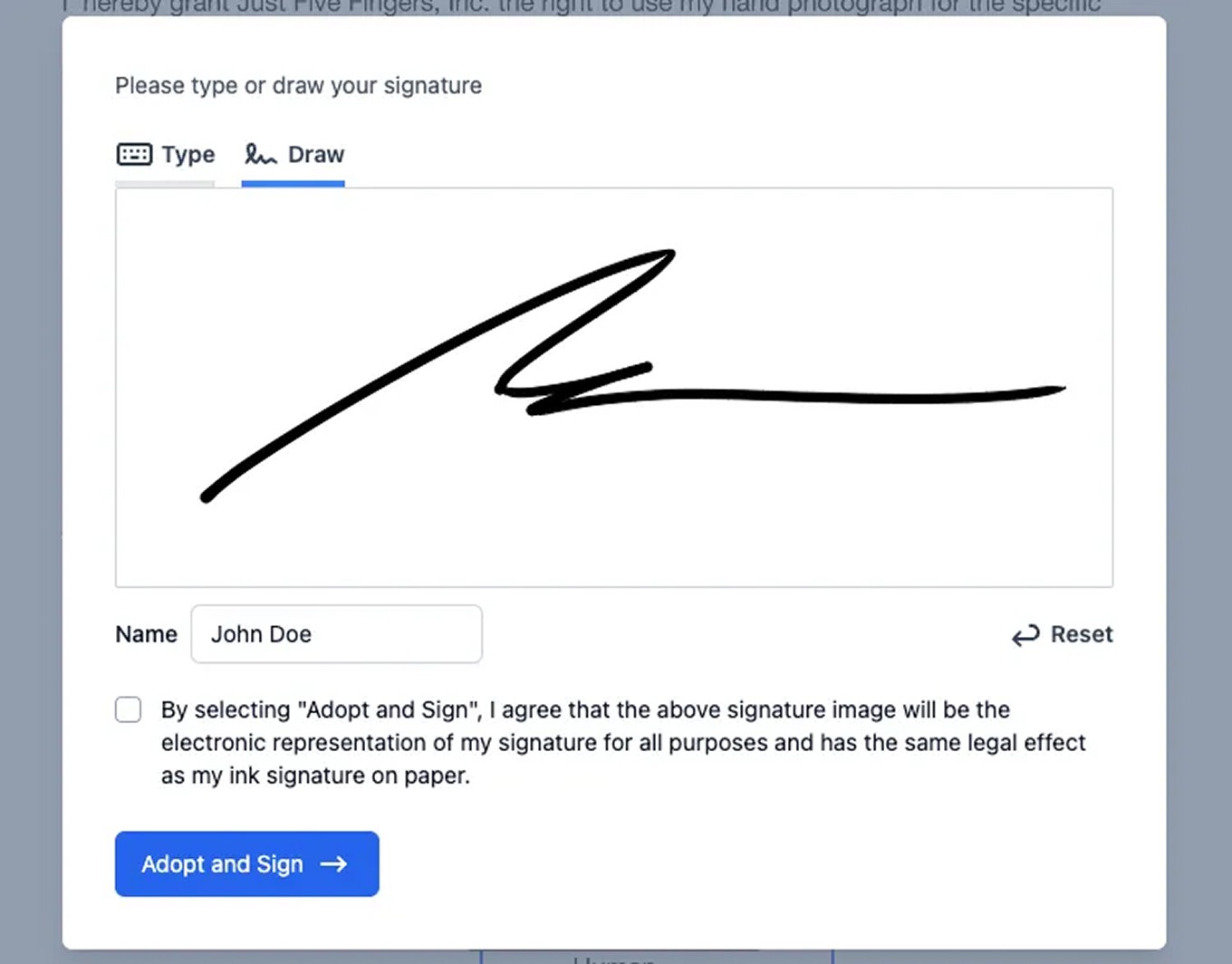
Selecting “Draw” brings up a blank signing pad for drawing. Switching back to the typed option remains seamless if preferred.
For those not feeling like a signature artist on a particular day, switching back to the typed option is seamless and straightforward.
Get Started With Drawn Signatures
The drawn signature feature brings a personal dimension back to digital transactions, enhancing authenticity and trust. No additional configuration is needed — the feature is immediately available for use.