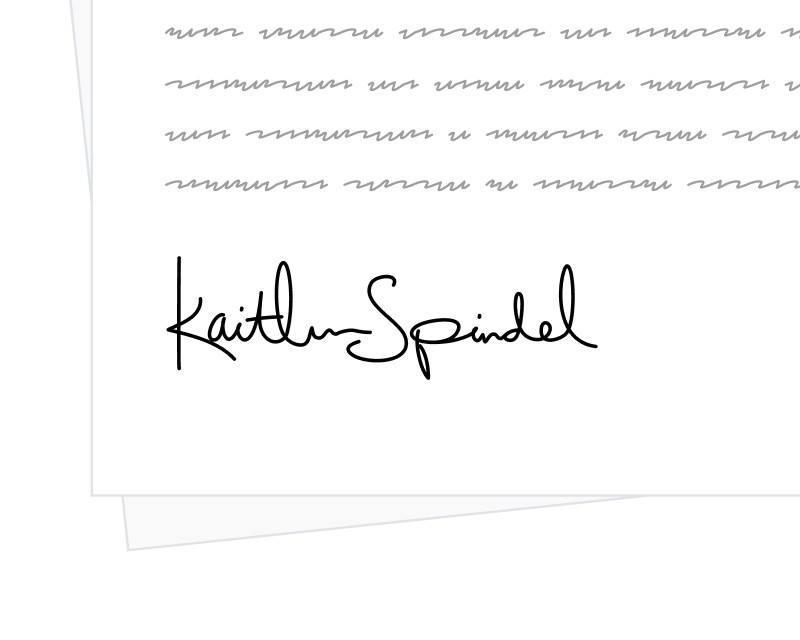
Recipients in SignatureAPI can sign by typing their name or by drawing their signature. Until now, both options were always shown with typed first. The new signature_options property on the recipient object lets you control exactly which options are offered and which one a recipient sees first.
What It Does
signature_options is an array that accepts typed, drawn, or both. The first value in the array is the option the recipient sees first in the ceremony. Providing a single value restricts the recipient to that option only.
The default remains ["typed", "drawn"], so existing envelopes behave exactly as before. The property is fully backward compatible: if omitted, nothing changes.
How to Use It
Set signature_options on any signer when creating or updating an envelope. To prefer a drawn signature while still allowing typed:
{
  "type": "signer",
  "key": "client",
  "name": "Alice Smith",
  "email": "alice@example.com",
  "signature_options": ["drawn", "typed"]
}
To require a drawn signature with no typed fallback:
{
  "type": "signer",
  "key": "visitor",
  "name": "Bob Johnson",
  "email": "bob@example.com",
  "signature_options": ["drawn"]
}
This is useful when internal policy or a specific jurisdiction prefers handwritten signatures, or when you want a consistent look across signed documents without disabling the other option globally.
For more details, see the Recipient object documentation.