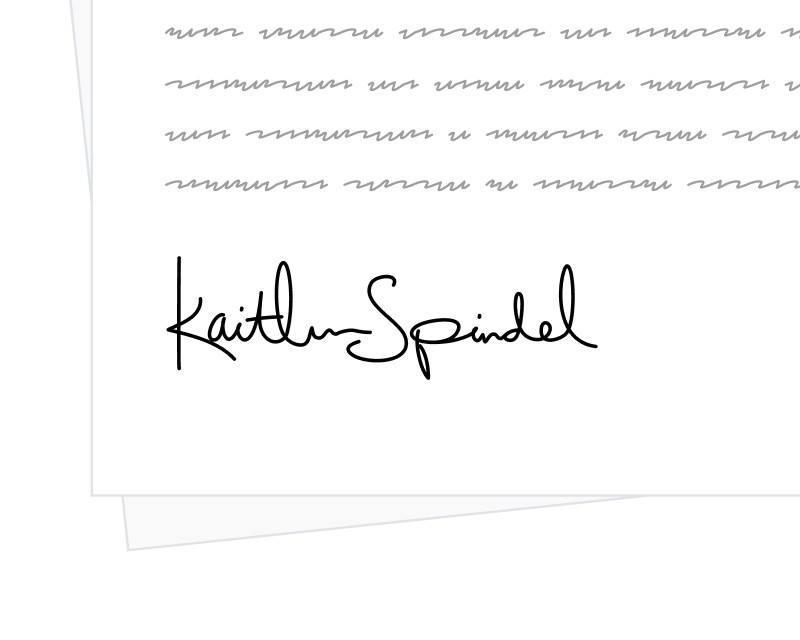
SignatureAPI now supports two new place types, recipient_name and recipient_email, that automatically insert a recipient’s name or email address into a document. The values are pulled from the recipient’s recipient_key and filled in with no action required from the signer.
What It Does
These places work like any other place in SignatureAPI. You define them in the envelope’s documents.places array, point each one at a recipient via recipient_key, and the value is rendered into the final PDF as part of the signing flow. Both types accept a font_size between 1 and 144 points, defaulting to 12.
Unlike text input places, recipient name and email places are not editable by the signer. They reflect exactly the values you provided when creating the envelope, which keeps personalized data consistent across contracts, agreements, and letters.
How to Use It
You can position these places with either placeholders in a .docx template or fixed coordinates on an existing PDF. To render a recipient’s name and email based on a recipient_key of client:
"places": [
  { "key": "client_name", "type": "recipient_name", "recipient_key": "client" },
  { "key": "client_email", "type": "recipient_email", "recipient_key": "client" }
]
Why It Matters
For high-volume workflows that already store recipient details, these places remove a layer of manual field setup. No more generating a custom document per signer just to stamp a name at the top of a letter, and no more relying on text inputs for data you already have.
Learn more in the Recipient Name and Recipient Email docs.