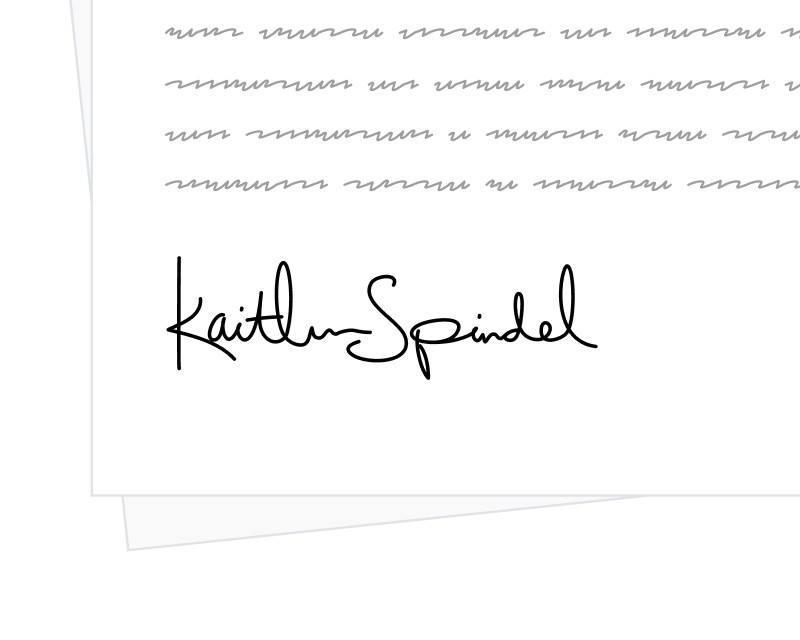
You no longer have to wait for an envelope to finish before seeing its signed content. From the dashboard, you can now download the current state of any in-progress envelope as a PDF that reflects every signature, initial, and field value collected up to that moment.
What you get
The downloaded file is a snapshot of the envelope in its present form. Signatures and initials already placed by recipients appear in their final positions, and any data entered into form fields is baked into the PDF. Sections still waiting on other recipients remain unsigned, so the file doubles as a progress report you can share internally or archive for review.
How to use it
Open any envelope in the dashboard and look for the Download Current Version link directly under the envelope’s status. The link is available as soon as the envelope is sent and stays available throughout the signing process. Once the envelope completes, the final sealed deliverable replaces the in-progress snapshot as the canonical output.
This is a practical tool for support, audit, and customer-facing teams that need to check in on a signing workflow without interrupting it.